The short answer
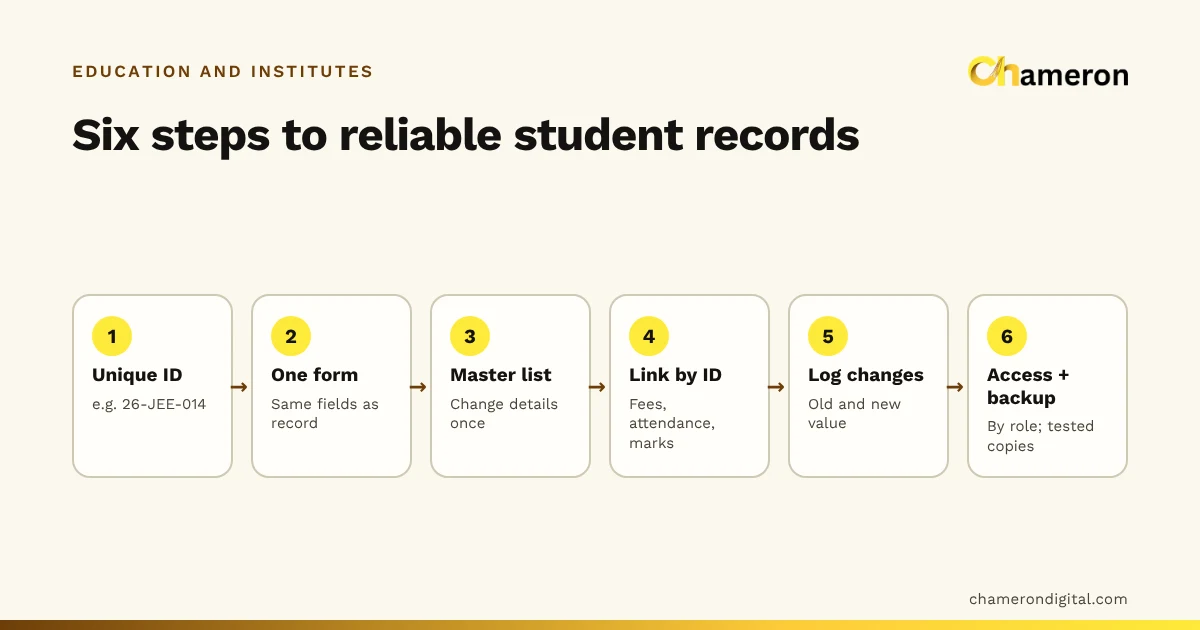
To manage student records efficiently, keep one master record per student, identified by a unique ID given at admission, and update details only in that record. Link fees, attendance and marks to the ID instead of copying names into separate registers. Log changes rather than overwriting them, restrict who can see and edit records, keep backups, and archive students who leave instead of deleting them. The six steps below set this up in a school or coaching centre, on paper, in a spreadsheet or in software.
What belongs in a student record
Start by deciding what you will record, and why. A record that tries to hold everything becomes a form nobody fills in completely.
| Section | Typical fields | Collected when |
|---|---|---|
| Identity | Student ID, full name, date of birth, photo | Admission |
| Parent or guardian | Names, phone numbers, email, address | Admission |
| Academic | Course or class, batch or section, admission date, previous school or class | Admission, updated on batch changes |
| Fee plan | Course fee, instalment plan, any discount or scholarship | Admission |
| Documents | A list of what was received, such as a previous mark sheet or photographs, and where each is stored | Admission and later |
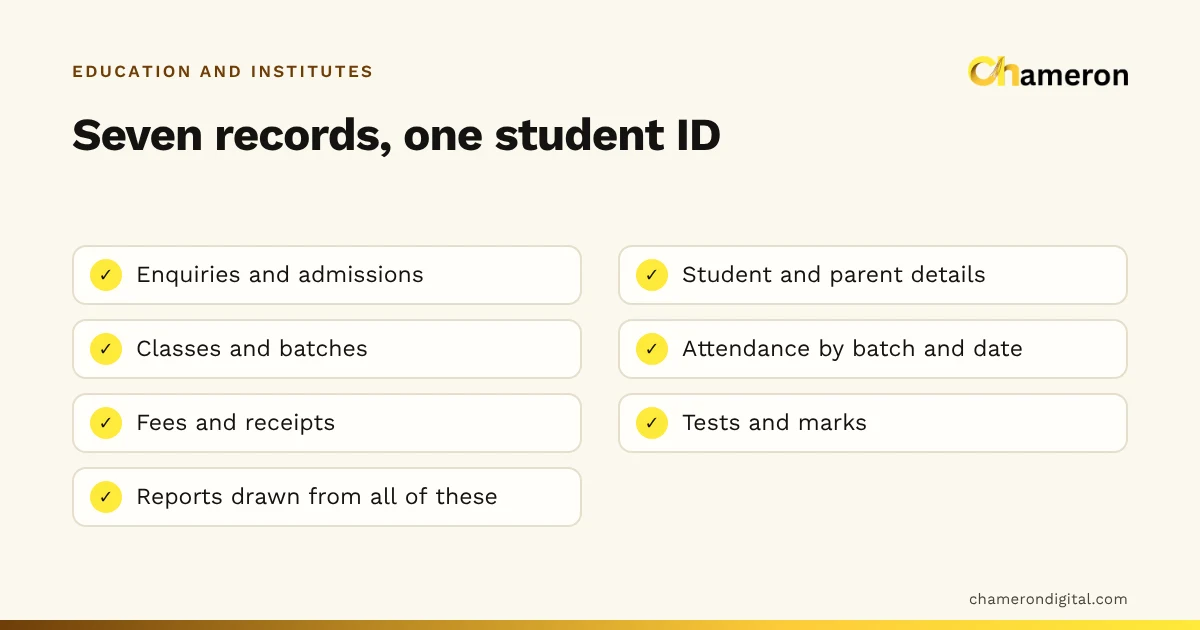
| Linked records | Fees paid, attendance, test marks | Throughout the year |
| Emergency contact | A second phone number | Admission |
For every field, ask: will someone in the office use this? A parent's second phone number gets used when the first is switched off. A field for the father's occupation may never be used at all. If you cannot name the use, leave the field out.
Step 1: Give every student a unique ID
The ID is the backbone of every other record. A simple, readable pattern works well, for example year, course, number: 26-JEE-014 is the fourteenth student admitted to the JEE course in 2026.
Rules for IDs:
- Never reuse an ID, even after a student leaves. Old receipts and certificates still point to it.
- Do not use a phone number or roll number. Phone numbers change and roll numbers are reassigned.
- Give siblings separate IDs. They may share a parent's phone number, but their fees and marks are separate.
- Write the ID on everything: the admission form, every receipt, the batch list and the document folder.
Step 2: Use one admission form
Design a single admission form with the same fields, in the same order, as your master record. When the form and the record match, entering a new admission is quick and fields are less likely to be skipped.
At the admission desk, check the form before the parent leaves: phone numbers read back aloud, the batch confirmed and the fee plan signed. During admission season, a form that is checked on the spot saves days of phone calls later.
Step 3: Keep one master list
The master list is the only place where a student's details are entered or changed. Everything else refers to it.
Suppose a parent tells the front desk that their mobile number has changed. In many offices, the number is corrected in the admission register but stays wrong in the fee register and the teacher's batch list, so the next fee reminder goes nowhere. With a master list, the number is changed once, and batch lists and fee trackers are printed or filtered from it, so they always carry the current number.
Batch lists, attendance sheets and fee trackers should show the student ID and name, and nothing that has to be kept up to date separately.
Step 4: Link fees, attendance and marks by ID
Every other record should carry the student ID as its first column. That one habit lets you bring a student's fees, attendance and marks together, whether by flipping to the right pages, filtering a spreadsheet or opening a record in software.
| Record | Linked by | Example entry |
|---|---|---|
| Fee tracker | Student ID + fee period | 26-JEE-014, Instalment 2, ₹11,000 due 10 Aug |
| Attendance | Student ID + batch + date | 26-JEE-014, JEE morning batch, 12 Aug, present |
| Marks | Student ID + test | 26-JEE-014, Mock test 3, 182/300 |
The fee collection tracker already starts each row with the student ID. For how fee records themselves should be kept, see our guide to managing coaching centre fees.
Step 5: Log changes instead of overwriting
When a phone number, batch or fee plan changes, record the change, not just the new value. A simple change log is enough:
| Date | Student ID | Field | Old value | New value | Changed by |
|---|---|---|---|---|---|
| 14 Jul | 26-JEE-014 | Batch | JEE evening | JEE morning | Front desk |
| 2 Aug | 26-NEET-031 | Parent phone | 98xxxxxx10 | 97xxxxxx22 | Front desk |
| 9 Aug | 26-JEE-022 | Fee plan | 4 instalments | 4 instalments, 10% scholarship | Owner |
The log answers questions that otherwise turn into arguments: when did this student change batches, and who approved that scholarship? Software often keeps this history for you; in a spreadsheet, keep a separate sheet for it.
Step 6: Control access and keep backups
Student records are personal data about children and their families, so they deserve more care than a stock list.
Collect only what you need. Every extra field is something more to protect.
Limit access by role. Not everyone needs everything:
| Role | Needs to see | Needs to change |
|---|---|---|
| Front desk | Contact details, batch | Contact details, new admissions |
| Accounts | Fee plan, payments | Payments and receipts |
| Teachers | Names and IDs in their batches | Attendance and marks |
| Owner or principal | Everything | Fee plans, discounts, scholarships |
Keep paper secure. Admission forms and document copies go in numbered folders that match the student ID, in a cupboard that locks.
Back up digital records. Keep at least one recent copy away from the office computer, check now and then that you can open it, and write down who is responsible for making the copy. Our backup checklist is written for shops but applies equally to an institute office.
Check the rules. Requirements for handling personal data change over time and can depend on your situation, so confirm the current rules for your institute with a professional.
Review each term and archive leavers
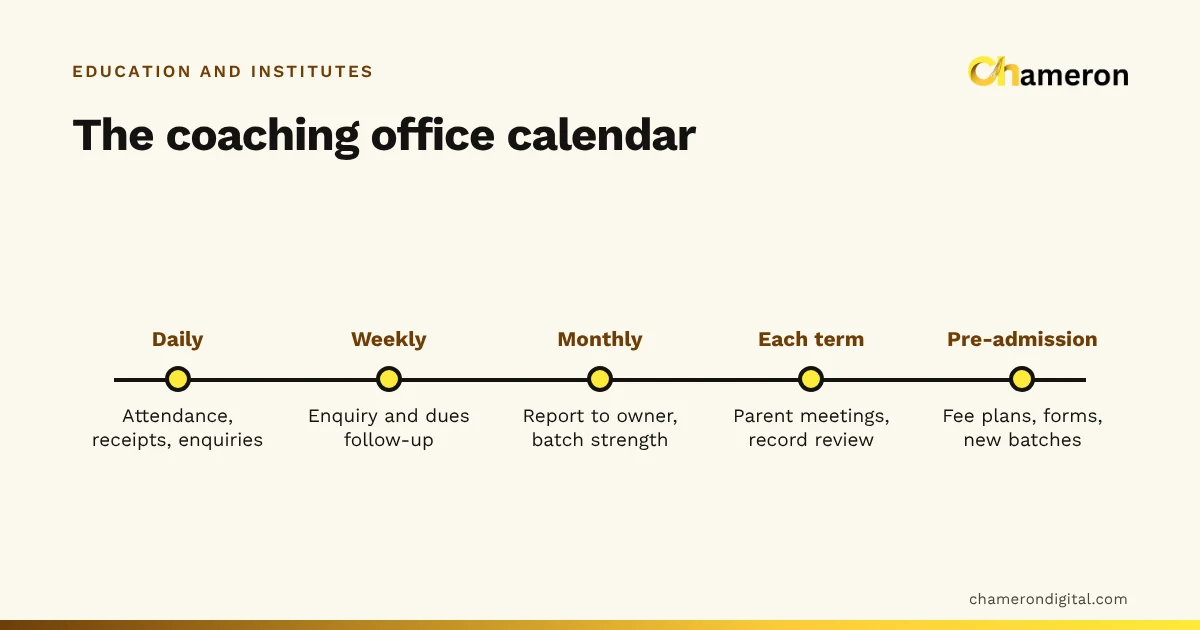
Records drift unless someone looks at them. A light routine keeps them accurate:
- Admission season: create records and IDs as forms are accepted, not in a batch at the end.
- Start of each term or batch: check batch lists against the master list, and confirm phone numbers for any parent you could not reach.
- Mid-year: look for incomplete records, such as a missing guardian phone number or documents not yet received.
- Year end: mark students who have left as inactive, with a leaving date and reason, and move their paper files to an archive shelf.
Archive; do not delete. Former students come back for certificates, fee statements and references, and their old receipts still carry their IDs. For the wider office calendar, see our guide to coaching centre administration.
Common mistakes
- Keeping the same details in several registers. They will drift apart. Keep one master record and refer to it.
- Reusing IDs or roll numbers. Two students with the same number means fees and marks end up on the wrong record.
- Collecting everything "just in case". Extra fields slow admissions and add to what you must protect.
- Shared logins. If everyone uses one password, nobody knows who changed a record.
- Backups nobody has tested. A backup you cannot open is not a backup.
- Deleting students who leave. You lose the history behind certificates and fee statements.
The bottom line
Efficient student records are not about the tool. They come from a few firm habits: a unique ID, one admission form, one master list, linked records, a change log, and careful access and backups. Set these up on paper or in a spreadsheet now and they will carry over to any system later. If you are weighing up software, start with our guide to institute management software. Chameron Digital's EDU OS is intended for admissions, attendance, fees and exams in a school or coaching office; it is not yet generally available, so ask about availability on its page. Our schools and coaching institutes page has more on the education office.
Questions people ask
What is the minimum a student record should contain?
A unique student ID, the student's name, a parent or guardian's name and phone number, the course or class and batch, and the admission date. Fees, attendance and marks then link to that ID.
Should we use the roll number as the student ID?
Usually not. Roll numbers are often reassigned each year or each batch. Use a separate admission ID that stays with the student for as long as they are with you, and keep the roll number as a field in the record.
How long should we keep records of students who have left?
Archive them rather than deleting them, since former students ask for certificates and fee statements. How long you must keep them depends on your institute and current rules, so ask a professional for advice.
Can we keep student records in a spreadsheet?
Yes, for a small institute. Keep one sheet as the master list, protect it with a password, limit who can edit it and back it up regularly. Software becomes useful when several people need to work on the records at once.