The short answer
A manual system of KOT pads, bill books and a stock register is cheap and simple, but it relies on memory, handwriting and the owner watching everything. Restaurant software costs money and setup time, but it applies the same prices, rules and records to every order, whoever is on shift. A small café with a short menu and the owner at the counter can run well on paper. Once several people take orders, tables share the kitchen with takeaway and delivery, or you cannot say what a dish costs to make, software usually pays for the effort.
What "manual" and "software" actually mean
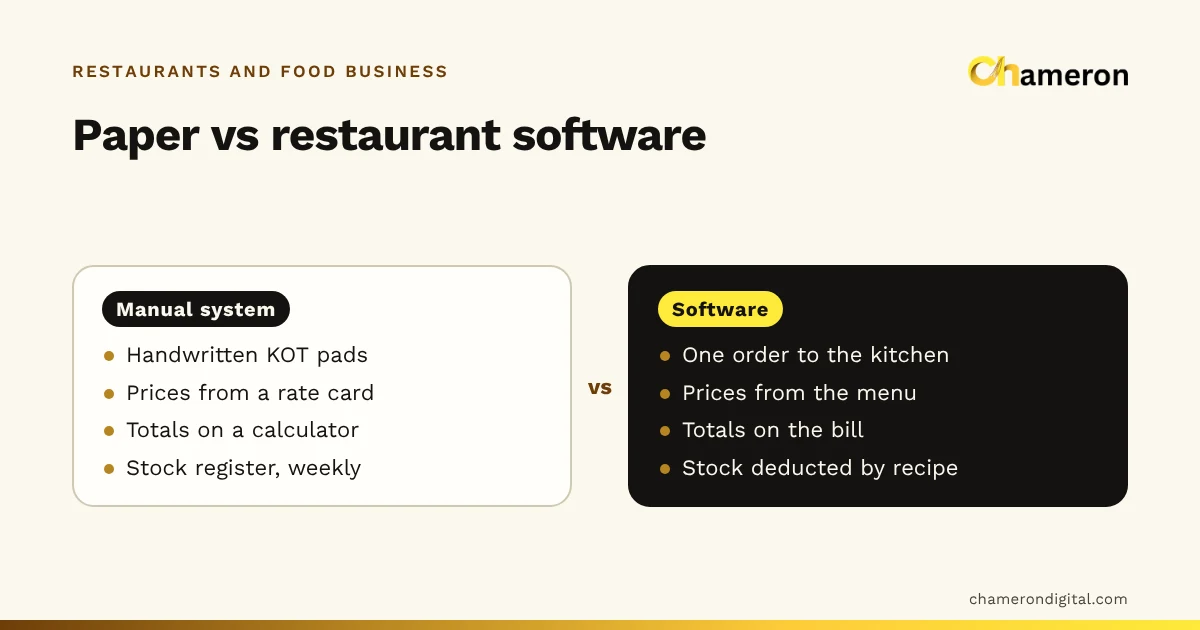
A manual system in an Indian restaurant usually means:
- a KOT pad with carbon copies for the kitchen,
- a printed rate card or price list at the counter,
- a pre-numbered bill book or a calculator and a receipt pad,
- a notebook for cash, payouts and UPI receipts,
- a stock register, updated when someone has time,
- supplier bills kept in a file.
Restaurant software brings those jobs onto one system: orders are entered once and sent to the kitchen, prices come from a stored menu, the bill is worked out automatically, payments and the cash drawer are recorded, and stock can be reduced from recipes. Our explainer on what restaurant management software is covers the parts in more detail.
Job by job: how each system handles a day
The clearest way to compare is to follow the work of one ordinary day.
| Job | Manual system | Software |
|---|---|---|
| Taking an order | Written on a KOT pad; copy torn off for the kitchen | Entered once; goes to a kitchen screen or prints a KOT |
| Special requests | Scribbled notes, sometimes unreadable | Chosen from set options such as size or extras, priced by the menu |
| Pricing | Rate card or memory | Applied from the menu on every line |
| Tables | Waiter's memory or a whiteboard | A board showing which tables are free, occupied or waiting to pay |
| Bill total and tax | Calculator, written by hand | Worked out on the bill |
| Menu change | Reprint cards, tell every staff member | Changed once, used everywhere from then on |
| Cash and payments | Notebook, added up at close | Recorded per bill and per mode; expected cash worked out |
| Stock | Register updated weekly, if at all | Reduced as dishes are sold, when recipes are set up |
| Purchases | Supplier bills in a file | Orders raised and deliveries received against them |
| Reports | Rarely made; slow to add up | Sales by item, day and channel when you need them |
Neither column is perfect. Paper is flexible: a waiter can write anything. That flexibility is also its weakness, because "anything" includes the wrong price, a missing item and an illegible note.
Strengths and weaknesses, honestly
The manual system
Strengths
- Almost no upfront cost.
- Keeps working through a power cut or a broken computer.
- Nothing to learn beyond the restaurant's own habits.
- Easy to change on the spot.
Weaknesses
- Depends on handwriting and memory, so errors repeat quietly.
- Totals, tax and the day close take time, usually the owner's.
- No easy history: what sold best last month means going through bill copies.
- Easy to bypass. A dish can be served without a KOT, and a bill can go missing from the book.
- Food cost and stock are known only after a full count, if ever.
Restaurant software
Strengths
- The same prices and rules every time, whoever is on shift.
- Every order, cancellation and payment leaves a record.
- Faster billing and a faster day close.
- Reports that show which dishes, hours and channels earn money.
- Stock that can follow sales through recipes.
Weaknesses
- Costs money: software, a computer or tablet, printers, perhaps a kitchen screen. See pricing and the hardware guide.
- Setup takes time: entering the menu, modifiers, stations and, later, recipes.
- Staff need training, and the first few services are slower.
- Needs power, working hardware and backups. Plan for what happens when one of them fails.
The hidden costs of paper
Paper looks free because nobody gets an invoice for it. Its costs show up as time and small leaks.
None of these is dramatic. Together they mean the owner is busy with sums instead of guests, and the leaks described in common restaurant billing and inventory problems go unnoticed. Before comparing software prices, it is worth writing down your own version of this list: hours spent on totals, how often prices change, how often the cash is short and how you know what stock you used.
When a manual system is still enough
Paper can be the right choice when:
- the menu is short enough for everyone to know the prices by heart,
- the owner is at the counter for most of every service,
- one or two people take all the orders,
- there is one channel, such as counter service only,
- there are few ingredients and deliveries arrive daily.
A tea stall, a small snack counter or a single-cook tiffin service can fit this description. For them, a clean bill book, a clear rate card and a disciplined cash count may be all that is needed.
Signs you have outgrown paper
- More than one person takes orders, and you cannot tell who wrote which KOT.
- You run tables plus takeaway or delivery, and orders from different channels get mixed up in the kitchen.
- The owner is not present every shift, so the rules depend on whoever is in charge.
- The day close takes too long or rarely balances.
- You cannot say what your top dishes cost to make, or whether food cost went up last month.
- Prices or the menu change often, and old prices keep turning up on bills.
If three or more of these are true, the cost of staying on paper is probably higher than it looks.
How to switch without disrupting service
Moving everything on one day is the most common way to make a switch painful. A staged move is calmer.
- Build the menu first. Every item with its price, category, kitchen station and any options such as size or extras. Check it twice; everything else depends on it.
- Start with billing and orders. Use the software for every bill and every kitchen ticket. Pilot it during a quieter lunch before a busy weekend dinner.
- Keep a paper fallback, with a printed rate card and a KOT pad, and agree how paper orders are entered afterwards.
- Add the day close. Open each shift with a recorded float and close it with a count.
- Add recipes for your top dishes, then stock for your most expensive ingredients. Expand from there.
- Read one report a week, such as sales by item, and act on it.
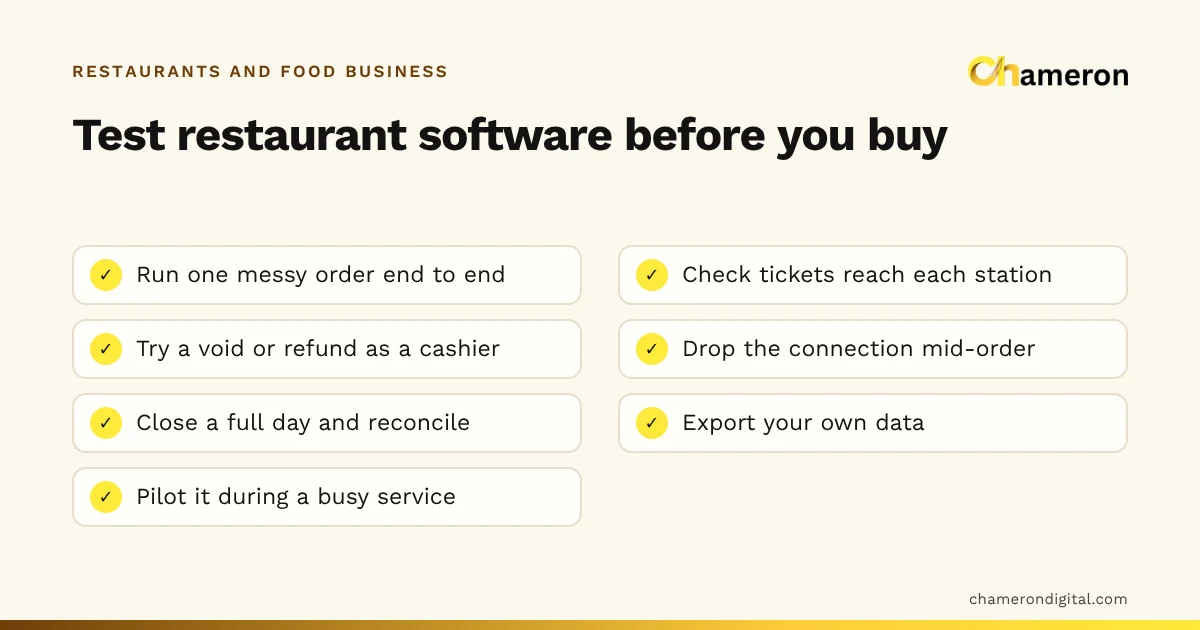
Before you choose, the restaurant software checklist lists what to test in a demo, and the software selection checklist helps you compare options side by side.
Common mistakes
- Copying the paper chaos into software. If the menu is unclear on paper, it will be unclear on screen. Tidy it first.
- Switching on the busiest day. Train and pilot during quieter services.
- Running paper and software side by side for weeks. Double entry tires staff and the two records soon disagree.
- Skipping backups. A computer that holds every bill needs a backup routine; see the backup checklist.
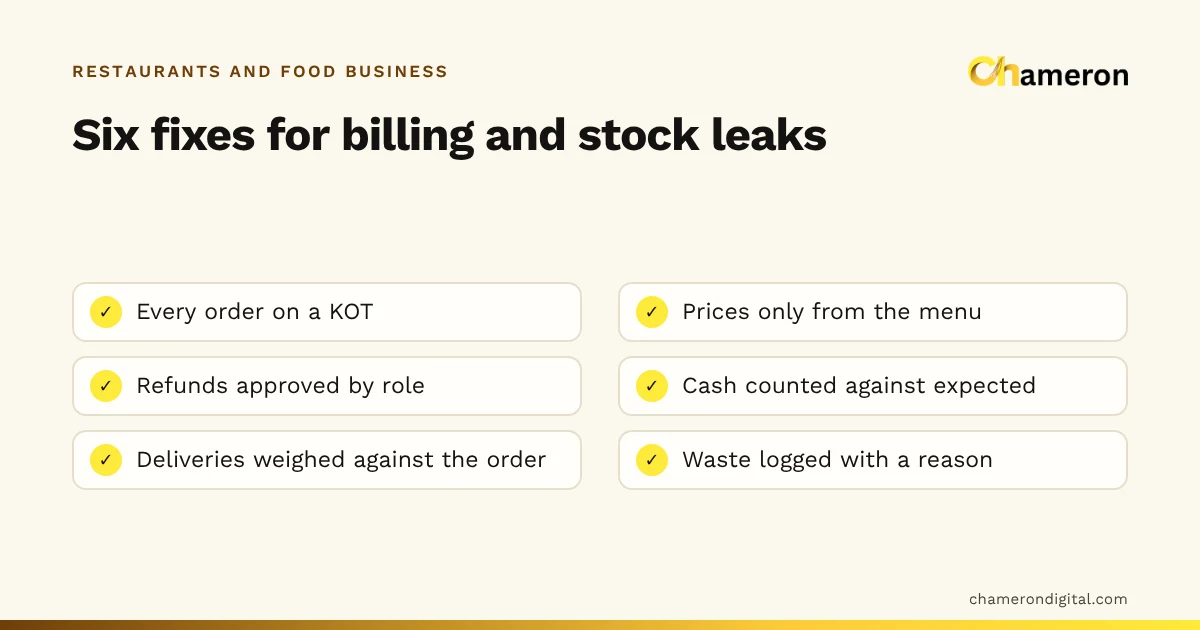
- Expecting software to fix discipline. It enforces prices and records orders, but someone still has to count the cash and weigh deliveries.
Where DINE OS fits
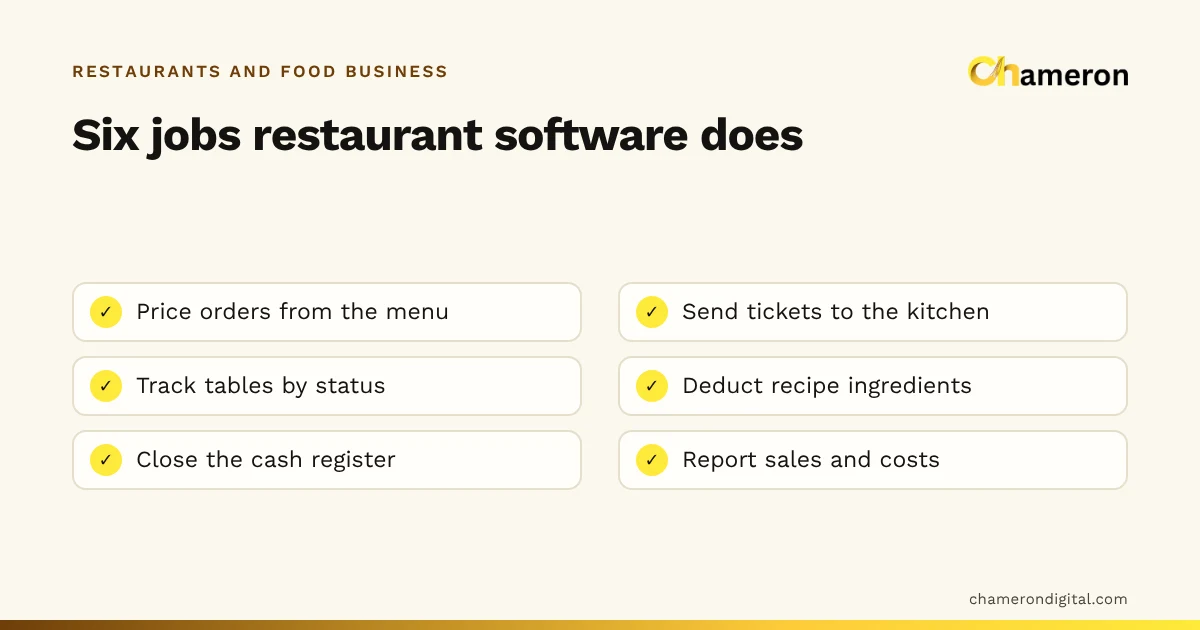
DINE OS is Chameron's software for restaurants and cafés. It runs as a desktop app with its own local server on the restaurant's computer, takes dine-in, takeaway and delivery orders priced from the menu, sends tickets to a kitchen display by station or prints KOTs, keeps a board of tables by status, and deducts recipe ingredients on each sale. If a till cannot reach the server for a moment, the sale is queued and sent when the connection is back. As with any system, try it with your own menu during a real service before deciding.
The bottom line
Paper is not wrong; it is limited. It works when the restaurant is small enough for one person to hold it all in their head. Software earns its cost when the restaurant has grown beyond that: more staff, more channels, more dishes and an owner who cannot be everywhere. Write down what paper is really costing you in time and leaks, compare it with what software would cost, and if you switch, do it in stages, starting with the menu.
Questions people ask
Can a small restaurant run well on a manual system?
Yes, if the menu is short, the owner is at the counter for most of the day and one or two people handle all the orders. The weaknesses show up as the restaurant adds staff, tables, channels and menu items.
What does restaurant software replace?
Usually the KOT pad, the bill book, the rate card, the calculator, the cash notebook and the stock register. It does not replace counting stock, weighing deliveries or checking the cash; it makes those checks faster to compare.
Do I need the internet to use restaurant software?
It depends on how the software runs. Software installed on a computer in the restaurant can usually keep working without the internet; browser-only software usually needs a connection. See does billing software work without the internet.
Should I keep paper KOT pads after switching?
Keep a pad and a printed rate card as a fallback for power or hardware failures, and agree in advance how paper orders are entered into the system afterwards. Do not run both systems side by side every day for long; it doubles the work and the records disagree.
How long does it take to switch from paper to software?
It depends on the size of the menu and how much you set up at once. Entering the menu with prices and kitchen stations is the first job; recipes and stock can follow over the next few weeks. Pilot it during a quieter service before a busy one.