The short answer
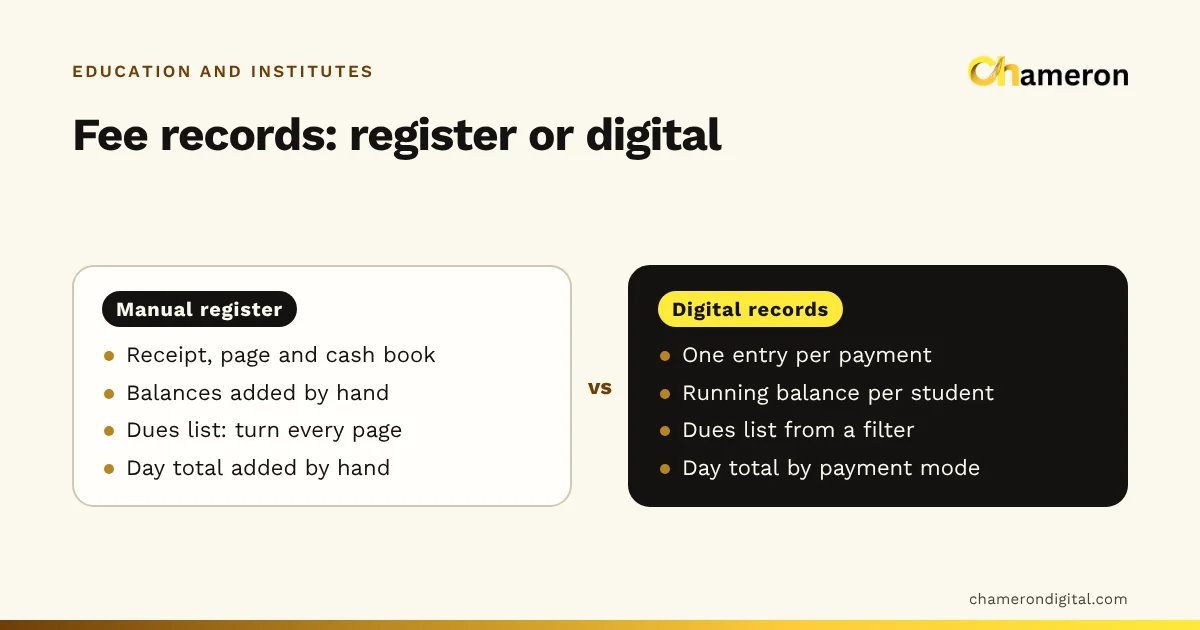
A manual fee register and digital fee records can both record a payment correctly. The difference is what happens next. With a register, every balance, dues list and daily total is worked out by hand, page by page. With digital records, the same information comes from a filter or a report. A register is fine for a small institute with one fee plan and one collector; once you have instalments, part payments and several people taking fees, digital records save hours and prevent the reminder sent for a fee that was already paid.
How each method records a fee
There are really three options, not two.
Manual register. A bound register with one page or line per student, a receipt book with carbon copies, and a cash book for the day's collections. When a parent pays, the clerk writes a receipt, then copies the amount into the student's page and the day's cash book. Three entries for one payment.
Spreadsheet. A file with one row per student per fee period: amount due, due date, amount paid, balance, receipt number, payment date and mode. Receipts may still be handwritten, but balances and totals are formulas. The fee collection tracker follows this layout.
Institute software. The payment is entered once against the student's ID. The receipt is printed from that entry, and the balance, the day's collection and the dues list all update from it. Our guide to institute management software explains how those records link together.
Side-by-side comparison
| Task | Manual register | Spreadsheet | Institute software |
|---|---|---|---|
| Record a payment | Receipt, student page and cash book written separately | One row updated; receipt often still handwritten | One entry; receipt printed from it |
| A student's balance | Added up on their page | A formula in the row | Shown on the student's record |
| List of overdue students | Turn every page and note names | Filter balance above zero | A dues report |
| Day's collection by mode | Add the cash book by hand | Sum by date and mode | A daily collection report |
| Part payments | Squeezed onto one line | Extra rows, if kept consistently | Recorded against the same fee due |
| Corrections | Striking out, often unclear | Easy to overwrite, leaving no trace | Usually a cancellation with a reason |
| Loss or damage | Fire, water or a lost register | A deleted or corrupted file | Depends on backups |
| Who can see it | Whoever holds the register | Whoever has the file | Controlled by user logins |
| Skills needed | Neat handwriting and arithmetic | Basic spreadsheet skills | Short training on the system |
No column wins on every row. The register is simple and needs no electricity. The spreadsheet is cheap and flexible. Software is fastest at answering questions but takes setup and training.
The same month, three ways
A coaching centre has 150 students in its foundation course, each paying a monthly fee of ₹2,500. August's total due is 150 × ₹2,500 = ₹3,75,000. By 10 August:
| Group | Students | Paid each | Collected |
|---|---|---|---|
| Paid in full | 118 | ₹2,500 | ₹2,95,000 |
| Paid part | 12 | ₹1,500 | ₹18,000 |
| Not paid | 20 | ₹0 | ₹0 |
| Total | 150 | ₹3,13,000 |
Outstanding is ₹3,75,000 − ₹3,13,000 = ₹62,000: the 12 part-payers owe ₹1,000 each (₹12,000) and the 20 non-payers owe ₹2,500 each (₹50,000). The owner wants a list of the 32 students with dues so the office can call parents.
- With a register, the clerk turns 150 pages, notes 32 names and balances, and adds them up. If the total does not come to ₹62,000, the search for the mistake begins.
- With a spreadsheet, the clerk filters the August rows for a balance above zero and sums the column. A few minutes, provided every payment was entered.
- With software, the dues report for August lists the 32 students with their balances and parents' numbers.
Now suppose one ₹1,500 part payment was written in the receipt book but never copied to the student's page. The register now shows ₹63,500 outstanding, and that parent gets a reminder for a fee already paid. In a spreadsheet the same slip is possible if receipts are written by hand first. The safeguard is the same in every system: total the receipts each day and match them to the records. The day-to-day routine is set out in our guide to managing coaching centre fees.
Where manual registers still work well
A register is a sound choice when:
- the institute is small, with a few dozen students and one fee plan;
- one person collects every fee and keeps the register;
- fees are paid in full, not in instalments or parts;
- parents rarely ask for statements.
If you stay with a register, make it as strong as possible. Use pre-numbered receipt books with carbon copies, write the receipt number on the student's page, total the cash book every evening, and close each month with a page listing every student's balance. Store the registers somewhere dry and locked.
Where digital records pay off
Digital records earn their keep when:
- fees are paid in instalments, and some parents pay part of an instalment;
- more than one person takes fees, such as a front-desk clerk and the owner;
- several batches or courses have different fees and due dates;
- parents ask for statements, or owners and partners want a monthly collection report;
- your accountant asks for collections by month and payment mode.
Spreadsheet or software?
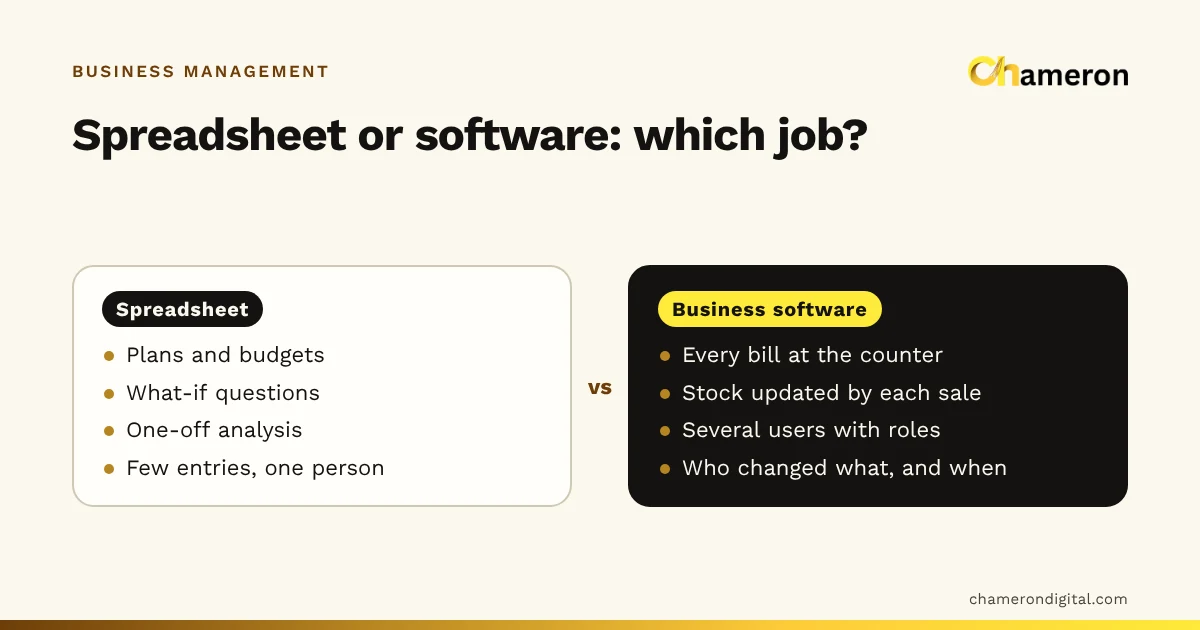
A spreadsheet is digital, but it still depends on careful manual entry. A wrong formula copied down a column, a row deleted by mistake or two people saving different copies can quietly break it. Software is stricter: a payment has to be recorded against a student and a fee, receipts are numbered automatically and cancellations stay visible. For more on that general trade-off, see business software vs spreadsheets.
Moving from register to digital
- Choose a cut-over date, ideally the start of a month or a new batch.
- Close the register on that date. Work out every student's balance and have someone check the totals.
- Enter opening balances. A student who owes ₹2,500 for July carries that into the new records as an opening due, separate from August's fee.
- Decide on receipt numbers. Either continue the old series or start a clearly different one, so no two receipts ever share a number.
- Run both for one fee cycle. Compare the day's totals each evening and fix differences the same day.
- Keep the old registers. They remain the record of past payments.
Our guide to digitising small business operations covers the same approach for other kinds of records.
Common mistakes
- Going digital in name only. Writing receipts by hand and entering them "later" brings back the gap between receipt and record.
- Overwriting payments. Typing a new total over an old one in a spreadsheet hides when and how each payment was made. Add a row per payment instead.
- Deleting mistakes. Cancel a wrong receipt with a note; never tear it out or delete it.
- No backups. A spreadsheet on one office computer is one failed disk away from being lost. See our backup checklist.
- Sharing the fee file widely. Fee records include parents' names and phone numbers. Limit who can open and edit them.
The bottom line
Manual and digital fee records differ less in how they record a payment than in how quickly they answer questions about it. If your register still gives you a correct dues list and a daily total without strain, keep it and keep it tidy. When instalments, part payments and more collectors make that slow, move to a spreadsheet or to software, with a clean cut-over and a month of parallel running.
If you are looking at software for this, Chameron Digital's EDU OS is intended for admissions, attendance, fees and exams in a school or coaching office. It is not yet generally available; you can ask about availability on its page or read more on our schools and coaching institutes page.
Questions people ask
Is a fee register still acceptable for a coaching centre?
Yes. A neatly kept register with numbered receipt books and a daily total is a perfectly workable system for a small centre. The question is whether it still lets you answer parents and owners quickly as you grow.
Is a spreadsheet good enough for fee management?
For many small institutes, yes. Keep one row per student per fee period, protect the formulas, back up the file and limit who can edit it. Our fee collection tracker is a ready-made starting point.
How long should we run the register and the new system together?
One full fee cycle is a sensible minimum, usually a month. Compare the day's totals each evening; once they match without corrections for a few weeks, you can stop the register.
What should we do with old fee registers after going digital?
Keep them, stored safely and labelled by year. They are the original record of past payments. Ask your accountant how long you should keep financial records.