The short answer
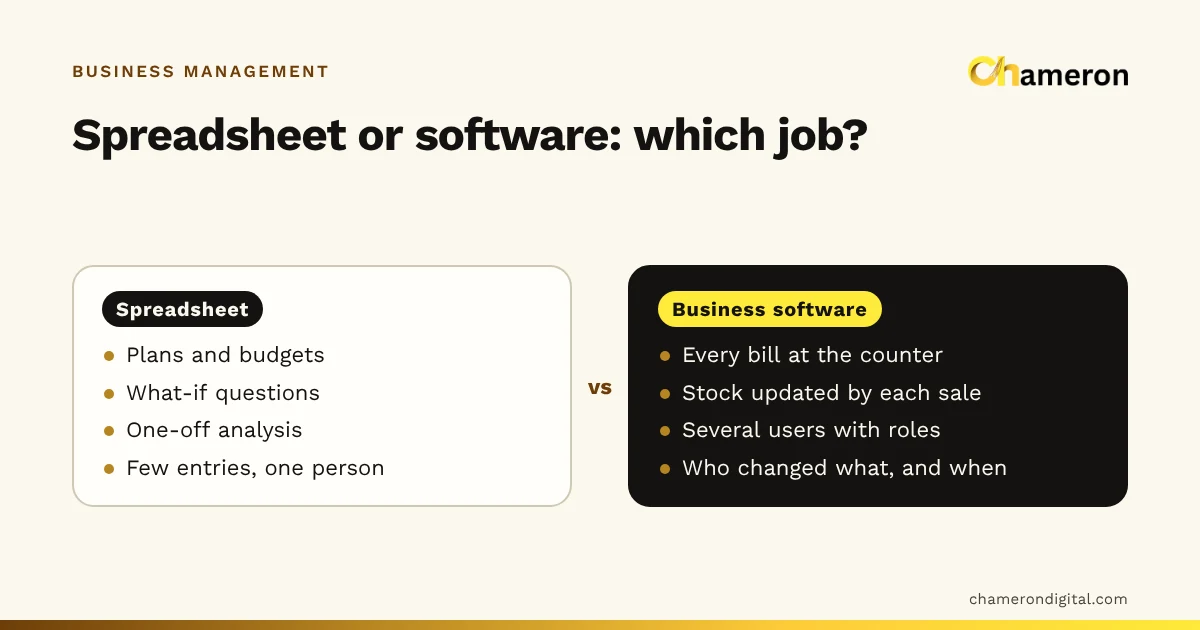
Spreadsheets are the right tool for planning, budgets and one-off analysis, and for a business with few transactions and one person keeping the books. Business management software is the right tool once several people record sales, stock and dues every day, because each event updates every total at once, permissions stop accidental changes and there is a trail of who did what. The time to switch is usually when re-typing, mismatched copies and stock that is never current start costing more than software would.
The short comparison
| Spreadsheet | Business management software | |
|---|---|---|
| Recording a sale | Typed into a row, often after the sale | Recorded at the counter as the bill is made |
| Stock on hand | A formula or a manual update; current only after data entry | Changes with every sale, delivery and return |
| Several people at once | Conflicting copies, unless shared online | Built for it, each with their own login |
| Permissions | Anyone with the file can change anything | Roles decide who may bill, discount or edit prices |
| Audit trail | Hard to see who changed a figure, and when | Each bill and adjustment has a user and a time |
| Errors | A wrong formula silently affects every total | Totals are calculated the same way every time |
| Flexibility | Total: any layout, any calculation | Limited to what the software does, plus exports |
| Upfront cost | Often none | Licence or subscription, setup and training |
| Best at | Thinking, planning, analysing | Recording, controlling, day-to-day running |
Neither column wins outright. The question is which job you are asking the tool to do.
Where spreadsheets are genuinely good
It would be wrong to treat spreadsheets as a stage to grow out of. They remain the better tool for several jobs:
- Planning and budgets. Next year's sales target, the cost of opening a second counter, a festival-season stock plan.
- What-if questions. "If I raise prices by 5% and sell 3% fewer units, what happens to profit?" A sheet answers this in minutes.
- One-off analysis. Comparing two suppliers' price lists, or looking at a year of sales by month.
- Very small volumes. A business with ten invoices a month and one person keeping the records may never need more.
- Odd jobs no software covers. A list of school orders, an event plan, a renovation budget.
The pattern: spreadsheets are strongest when one person is thinking about numbers, and weakest when many people are recording events.
Where spreadsheets start to fail
Re-typing costs more time than it seems
Take an invented mobile accessories shop that writes bills by hand and types them into a spreadsheet each night. It averages 80 bills a day with about 3 lines per bill, and each line takes around 20 seconds to type and check.
That is before anyone checks the typing or fixes the mistakes. In software, the bill made at the counter is the record, so this step disappears.
Formulas fail silently
A sheet totals the month's sales with a formula covering rows 2 to 301. The month has 340 bills. The 40 bills added below row 301 are never counted, and at an average of ₹450 each, the month's sales are understated by 40 × ₹450 = ₹18,000. Nothing turns red. The owner simply sees a lower number and believes it.
Errors like this are not carelessness; they are the nature of a tool where every number can be edited and every formula can be extended or not.
Stock is never current
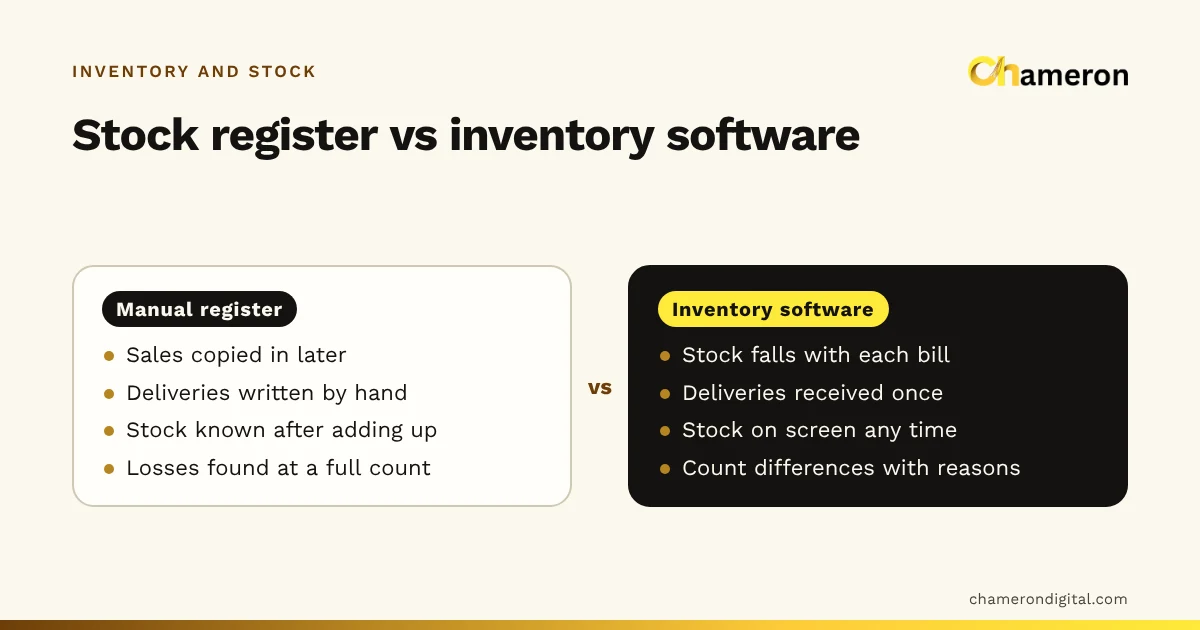
A stock sheet is only as current as the last time someone subtracted the day's sales. If that happens at night, a customer asking at 4 pm whether a charger is in stock gets an answer from yesterday. If it happens weekly, the gap is a week. Our comparison of manual inventory and inventory software looks at stock in more detail.
Several people means several versions
The owner has stock.xlsx on the shop computer, the manager has a copy on a laptop, and a third version was sent on WhatsApp last Tuesday. Which is right? Shared online sheets fix the copies problem, but not the rest: anyone with access can still change a price or delete a row, and nobody is stopped from editing last month.
No control over who changes what
A spreadsheet cannot let a cashier add a sale while stopping them from changing yesterday's total. Business software can, because roles and permissions are part of how it records events.
Signs it is time to switch
| Area | A spreadsheet is still fine when… | Consider software when… |
|---|---|---|
| Volume | A handful of transactions a day | Dozens or hundreds of bills a day |
| People | One person keeps all the records | Two or more people bill or update stock |
| Stock | Few items, rarely counted | Many items, sizes or batches; you often cannot answer "do we have it?" |
| Credit | A few regular customers | Many customers on credit; disputes about balances |
| Closing | The day's cash always agrees | The drawer is often short and nobody can say why |
| Time | Entry takes minutes | Entry and checking take an hour or more a day |
| Reports | You rarely need them | Your accountant waits days for month-end totals |
If three or more rows on the right describe your business, the spreadsheet is probably costing you more than it saves.
What to keep in spreadsheets after switching
Switching to software does not mean giving up Excel. A sensible split is:
- Software records every sale, delivery, payment, return and count, and keeps the running totals.
- Spreadsheets analyse what the software exports: monthly trends, supplier comparisons, budgets and targets.
For this to work, the software must export clean files. In BILL OS, for example, every report downloads as Excel or CSV, with numbers kept as numbers, as described under reports and exports. You keep the flexibility of a spreadsheet without making it the system of record.
How to switch without losing your history
- Keep the old files as an archive. Do not try to import years of history; bring in what the new system needs to start.
- Tidy the product list in the spreadsheet first. Remove duplicates, fix names, add costs and tax rates. A clean sheet makes a quick import.
- Count opening stock on a fixed date and enter it.
- Enter opening balances for each customer and supplier on the same date.
- Run both for a week, compare totals each night, then stop updating the spreadsheet.
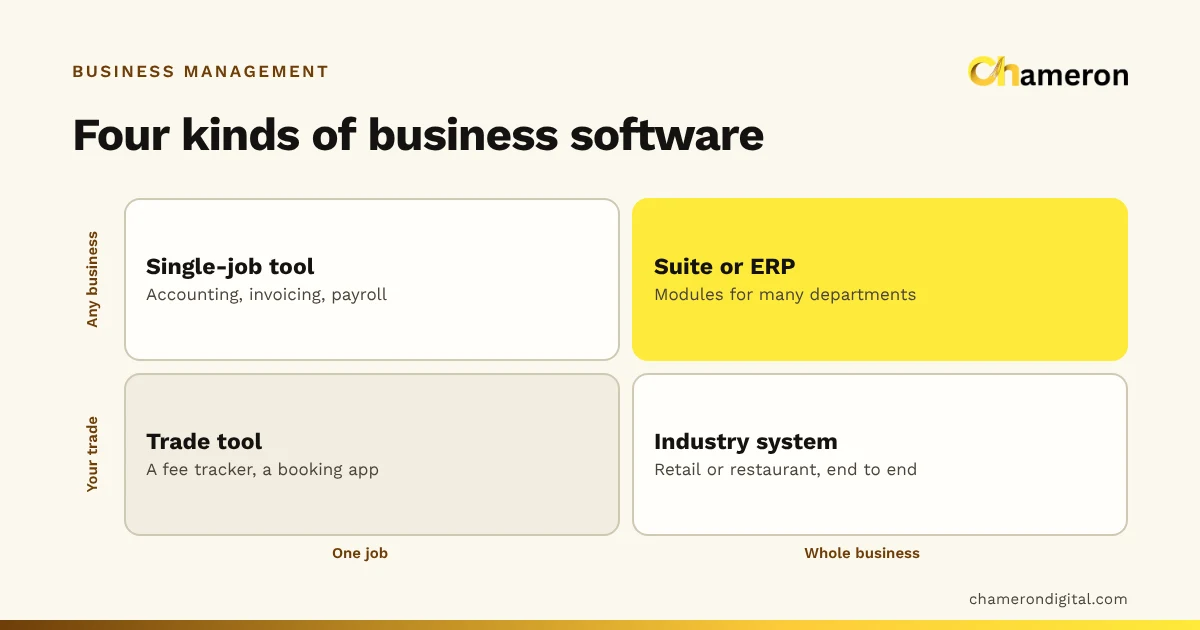
Our step-by-step guide to digitising daily operations covers each of these in detail, and what business management software is explains the types you can choose from.
Common mistakes
- Comparing software's price with a spreadsheet's "free". Count the staff time spent re-typing and checking, as in the example above.
- Switching too early. A two-person business with a few sales a day may not yet gain enough to justify the change.
- Building a "system" in a spreadsheet. Macros, locked cells and twenty linked tabs become fragile software that only one person understands.
- Keeping both running indefinitely. Two records means two answers. Pick a switch date and stick to it.
- Exporting nothing. If the new software cannot export your data, you have swapped flexibility for a locked box. Check exports before you buy.
The bottom line
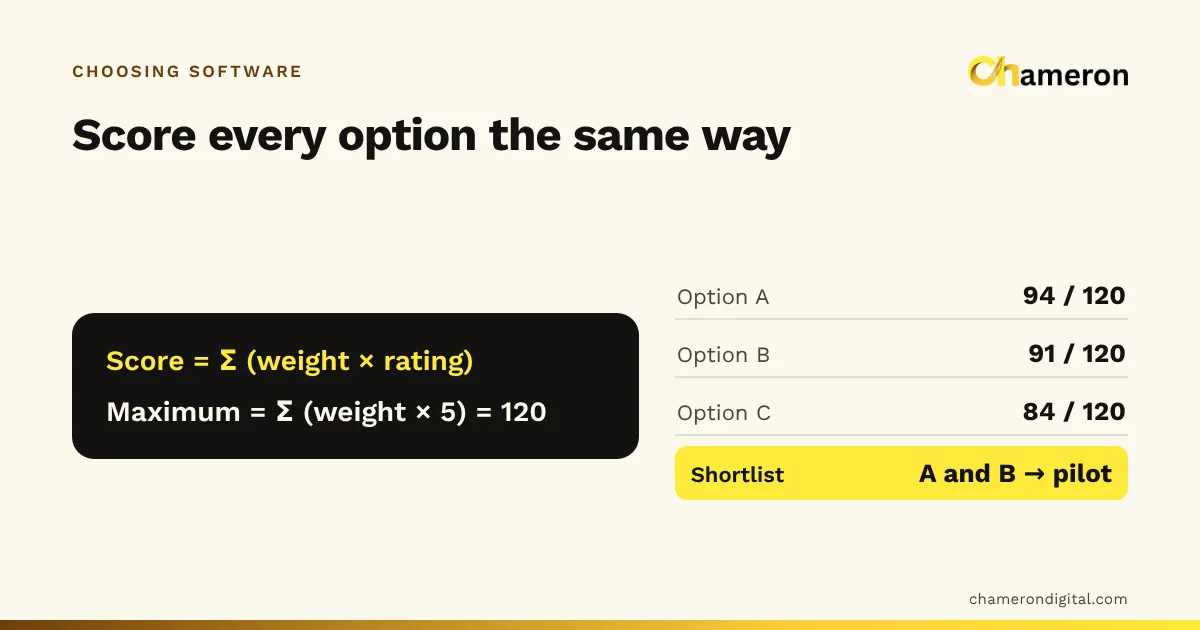
Spreadsheets are a superb thinking tool and a weak recording tool. Use them for plans, budgets and analysis, and for as long as one person can keep a small business's records accurately. When several people record sales and stock every day, when re-typing eats an hour or more, or when nobody trusts the totals, move the recording into business software and keep the spreadsheet for what it does best. Our guide to choosing business software will help you compare options.
Questions people ask
Can I run a shop's billing and stock in Excel?
You can for a small shop with one person entering everything, but billing at the counter is slow, stock is only as current as the last time someone typed in the day's bills, and several people editing one file leads to conflicting copies. Most shops outgrow it as bill volume and staff grow.
Is a shared online spreadsheet better than a file on one computer?
It solves the conflicting-copies problem, because everyone edits one sheet. It does not add stock that updates from each sale, roles that stop a cashier editing prices, or a record of who changed what in a form the business can review easily.
Will I lose my spreadsheet history if I switch?
No. Keep the old files as your archive. Bring into the new system what it needs to start: the product list, opening stock, and customer and supplier balances on the switch date.
Is business software always more expensive than a spreadsheet?
The spreadsheet may cost nothing to buy, but the time spent re-typing, checking formulas and reconciling copies is a real cost. Work out both, and try your own figures in the ROI calculator.