The short answer
Manual inventory works while one person can hold the whole shop in their head; inventory software earns its place once they cannot. A stock register or spreadsheet costs almost nothing and suits a shop with a short product list, one counter and an owner who records every movement. Once you have hundreds of items, sizes and colours, several staff or frequent deliveries, the hours spent writing up, counting and reconciling, plus the sales lost to stock you thought you had, usually cost more than the software.
What "manual inventory" usually means
Manual is not one method. Shops tend to use one of three, and often a mix:
| Method | How it works | Where it breaks |
|---|---|---|
| Stock register (ledger book) | Each delivery and sale is written on the item’s page | Sales at a busy counter rarely get written up item by item |
| Bin or shelf cards | A card at each shelf position, updated on every in and out | Cards are skipped in a rush, lost or smudged |
| Spreadsheet | A sheet of items with opening stock, purchases and sales typed in | Someone must type every sale; formulas break; copies multiply |
All three share one weakness: the stock record is separate from the bill. The sale happens at the counter, and the stock record changes only when somebody copies it across. Every gap between the two is a place for errors to hide.
The comparison, point by point
| Manual (register or spreadsheet) | Inventory software | |
|---|---|---|
| Upfront cost | A notebook, or a spreadsheet you already have | A licence, a computer, often a scanner and label printer |
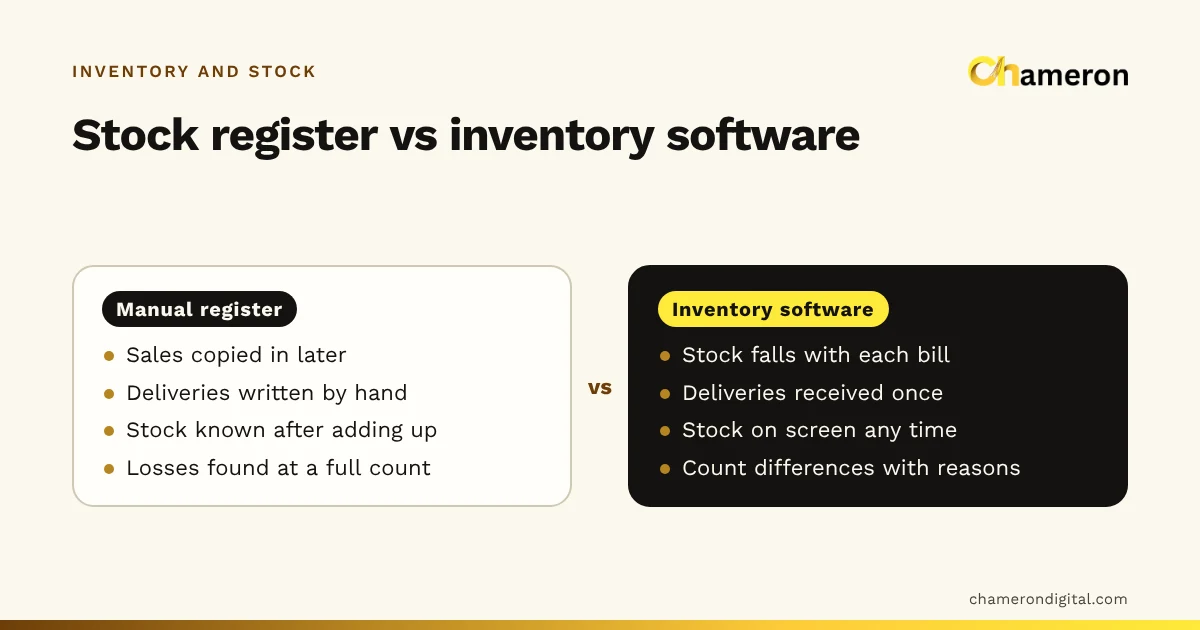
| Recording a sale | Written or typed separately, later | Stock falls when the bill is completed |
| Recording a delivery | Copied from the supplier’s bill by hand | Entered or scanned once against the supplier’s bill |
| Stock on hand right now | Known only after adding up the pages | On screen at any time |
| Sizes, colours and batches | Hard to follow beyond a few items | Each variant or batch has its own quantity |
| Reorder decisions | Memory and a walk around the shelves | Low-stock and reorder lists built from real sales |
| Finding losses | Only at a full count, if then | Count differences shown item by item, with reasons |
| Depends on | One careful person | Everyone at the counter using it the same way |
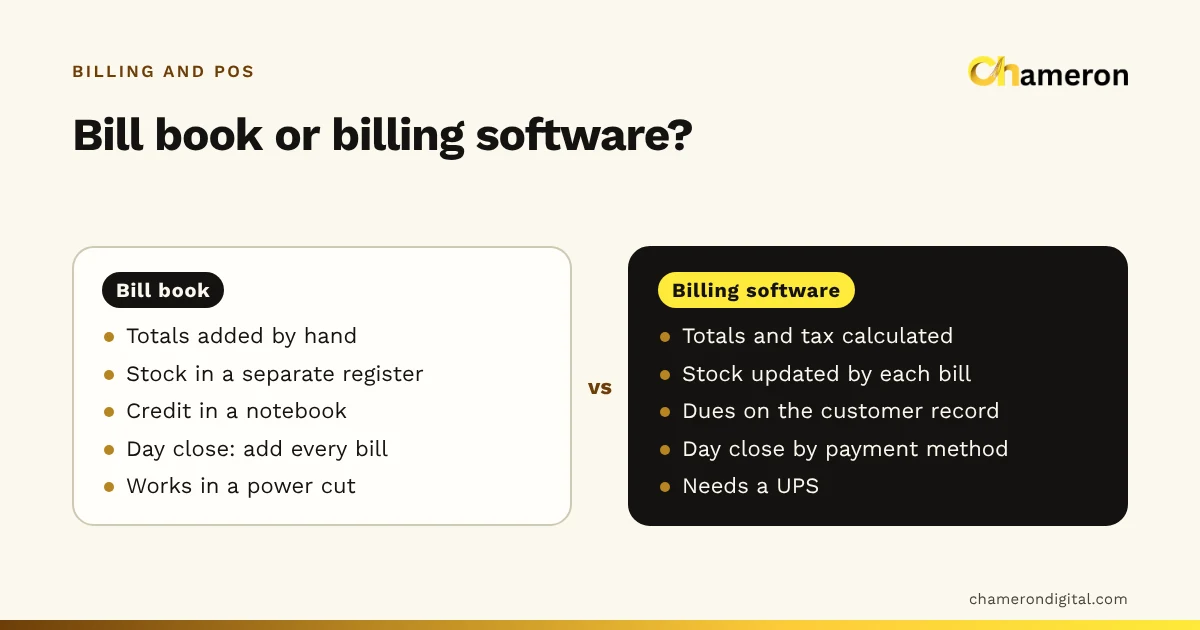
| During a power cut | Carries on | Needs backup power or a battery device |
Neither column wins every row. A register never crashes, and software is only as accurate as the receiving and counting habits behind it. What changes is where the effort goes: with a register it goes into copying and adding up; with software it goes into recording each movement once, at the moment it happens.
A worked example: what manual really costs
Take an invented gift and stationery shop with about 600 items, two staff and an owner. Each month it spends:
- Writing up sales from the bill book into the stock register: 30 minutes a day × 26 working days = 13 hours
- Entering deliveries by hand: 12 supplier bills × 45 minutes = 9 hours
- A monthly full count: 2 people × 5 hours = 10 hours
That is 32 hours a month. At a staff cost of ₹125 an hour, it is ₹4,000 a month of paid time, before the owner’s own evenings spent adding up pages.
Then there are the sales that never happen. Suppose the register shows ten diaries in stock, but the shelf has been empty for a week because sales were not written up. If the diary sells 3 a day at ₹45 profit each, that one gap costs 3 × 7 × ₹45 = ₹945 of profit, if those customers buy elsewhere. A shop with even a handful of such gaps each month loses more than it realises.
Software has costs too: the licence, a computer, setup time and training. Put both sides on one page for a year. If the manual side is clearly larger, switching pays for itself; the ROI calculator does the arithmetic, and our guide to measuring business ROI explains the method.
When manual inventory is enough
A register or spreadsheet is a sensible choice when most of these are true:
- The product list is short, with no sizes, colours or batches to track.
- One person does the buying, the receiving and most of the selling.
- Deliveries arrive a few times a month, not every day.
- Stock moves slowly enough that a weekly look at the shelves catches gaps.
- Every sale is already written on a bill, without exception.
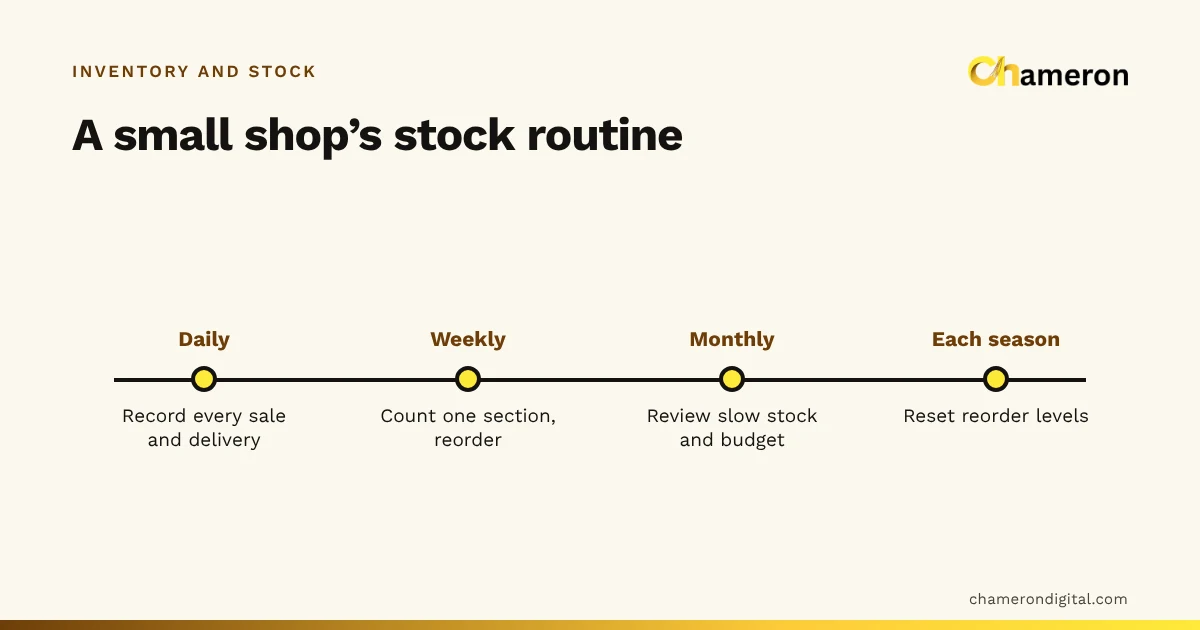
If that describes your shop, make the manual system as good as it can be: one register instead of three, a stock count sheet used on a fixed day each week, and a reorder level written against each fast-selling item. The basics in inventory management for a small shop apply whatever tool you use.
Signs you have outgrown it
- The register is always "a few days behind".
- You learn an item is out of stock when a customer asks for it.
- Counts never match the book, and nobody can explain the difference.
- You stock sizes and colours and cannot say how many medium blue shirts remain.
- Staff ask the owner where things are, because only the owner knows.
- You have added a second counter, a godown or a second shop.
- Money is tied up in items that have not sold for months, and you only notice at the festive clearance.
Two or three of these together usually mean the manual system is costing more than it saves.
What software changes, and what it does not
The real gain is that billing and stock share one record. When a bill is completed, stock falls; when a delivery is received, it rises; returns, damage and count corrections each leave an entry with a reason. That running record is a stock ledger, and it is why the number on the screen can be trusted at closing time.
What software does not do:
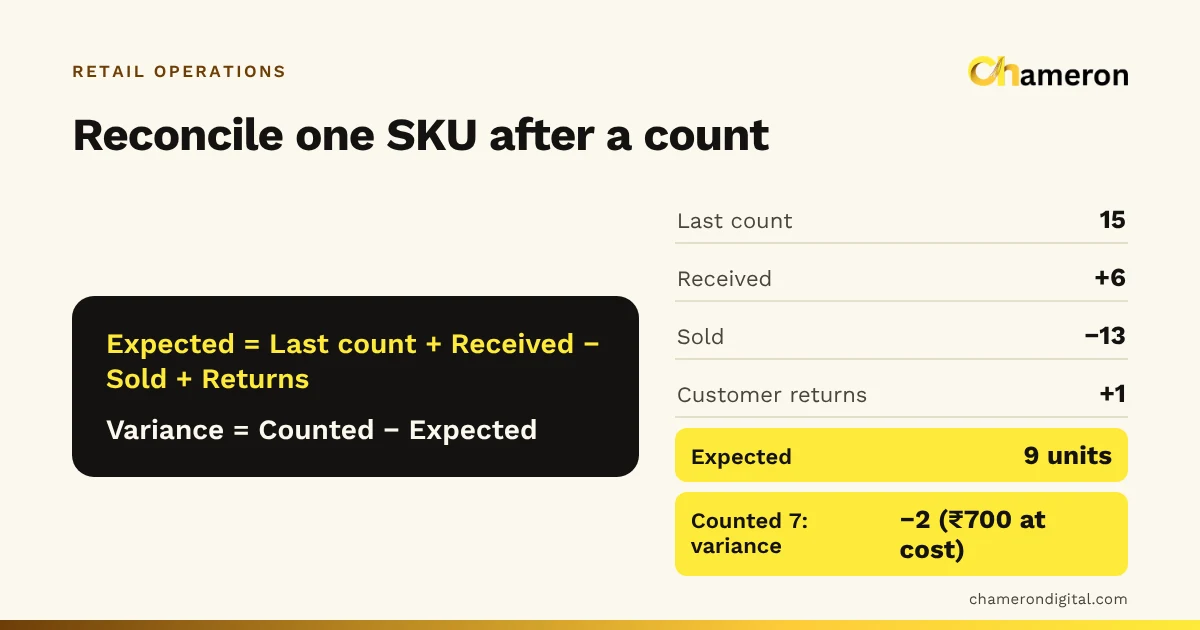
- It does not count the shelves. Physical counts are still needed to catch theft, damage and mistakes. See stock counts and reconciliation.
- It does not fix a messy product list. Duplicate items and vague names come with you unless you clean them first.
- It does not make staff record deliveries. If goods reach the shelf before they are received in the system, the numbers drift exactly as they did on paper.
In BILL OS, for example, sales, returns, deliveries received against the supplier’s bill and approved count differences all go through one stock ledger; the inventory and stock page shows how each movement is recorded.
The spreadsheet middle ground
A spreadsheet beats a notebook for totals and stock value, and many shops move there first. It keeps the core weakness, though: every sale must be typed in separately, and two people editing two copies soon disagree. Treat it as a stepping stone. The clean item list you build in it becomes your import file later. For the wider comparison, see business management software vs spreadsheets.
How to switch without chaos
- Clean the item list. One line per item you sell separately, with a clear name, cost price, selling price and GST rate. Merge duplicates.
- Decide on codes. Keep manufacturers’ barcodes where they exist and plan in-store codes for the rest. Our SKU vs barcode guide covers the choices.
- Count everything once. This opening count becomes the starting balance. Do it after closing, or section by section over a quiet weekend.
- Import, then check. Load the items and opening stock, then compare twenty items on screen with the shelf.
- Receive in the software from day one. No delivery is shelved until it has been entered.
- Freeze the old register. Keep it for questions for a month, but record nothing new in it.
- Count one section a week. Small weekly counts in the first months show quickly where habits need fixing.
Common mistakes when deciding
- Comparing the licence price with zero. Manual stock-keeping costs staff hours and lost sales. Compare like with like.
- Buying software to fix a discipline problem. If deliveries are never recorded on paper, they will not be recorded on screen either until the receiving routine changes.
- Switching in the busiest season. The opening count and staff training need calm days.
- Running two live systems. Recording stock in both the register and the software doubles the work and guarantees disagreements.
- Choosing on features you will not use. Start with billing, receiving, counts and reorder lists. The software selection checklist keeps the decision practical.
The bottom line
Manual inventory is not wrong; it is limited. For a small, slow-moving shop with one careful owner, a well-kept register is enough. Once items, variants, staff or deliveries multiply, the hidden cost of writing up, counting and missing stock grows faster than the shop, and software that ties stock to the bill becomes the cheaper option. Work out your own numbers first, and if you switch, start with a clean item list and a proper opening count.
Questions people ask
Is a spreadsheet the same as inventory software?
No. A spreadsheet holds numbers someone types in; inventory software changes stock from the bills, deliveries and counts themselves. A spreadsheet can work for a small catalogue, but every sale still has to be entered by hand.
Do I need barcodes to use inventory software?
No. You can find items by name or code. Barcodes make billing, receiving and counting faster and cut wrong-item errors, especially with sizes and colours. See barcode inventory management.
Does inventory software need the internet?
It depends on how it is built. Software installed on a shop computer usually keeps working offline, while browser-only software usually needs a connection. See does billing software work without the internet?
How long does it take to switch from a register to software?
For a small shop, most of the effort is cleaning the item list and doing the opening count, often a few days of work spread over one or two weeks. Plan it for a quiet month, not the festive season.
Should I keep the old stock register after switching?
Keep it for reference for a month or so, but stop recording in it. Two live records create two versions of the truth. Protect the new records with regular backups instead; our backup checklist shows what to check.