The short answer
Barcode inventory management means every stock movement in the shop starts with a scan instead of a typed or remembered item. A label on each item carries a number; a scanner reads it into the software, which already knows the product, size and colour behind it. Used at receiving, billing, returns and counting, scanning removes most wrong-item errors. It does not replace careful receiving or regular counts, but it makes both much faster.
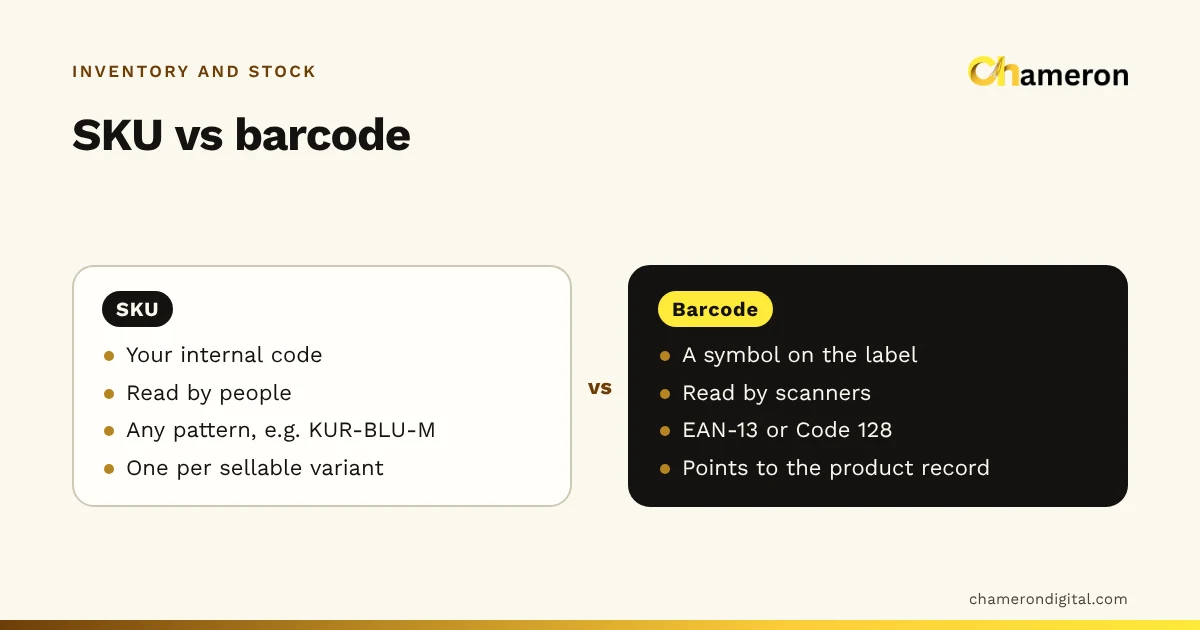
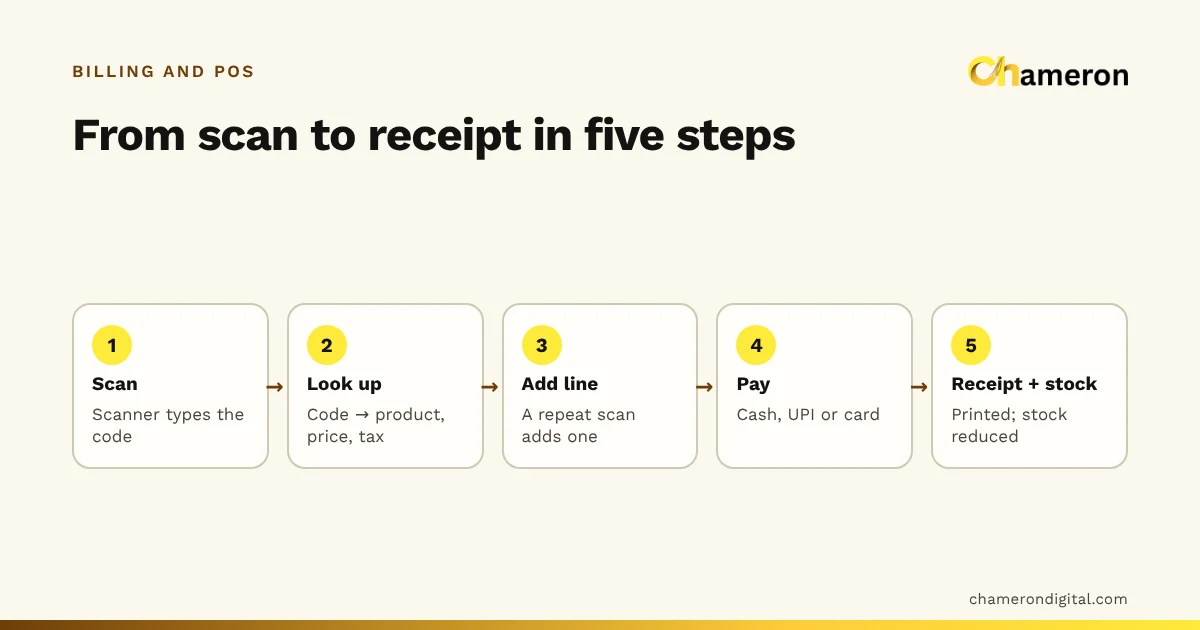
This guide is about running the system day to day. If you are still deciding how to identify products, start with SKU vs barcode; for what happens at the till, see how barcode billing works.
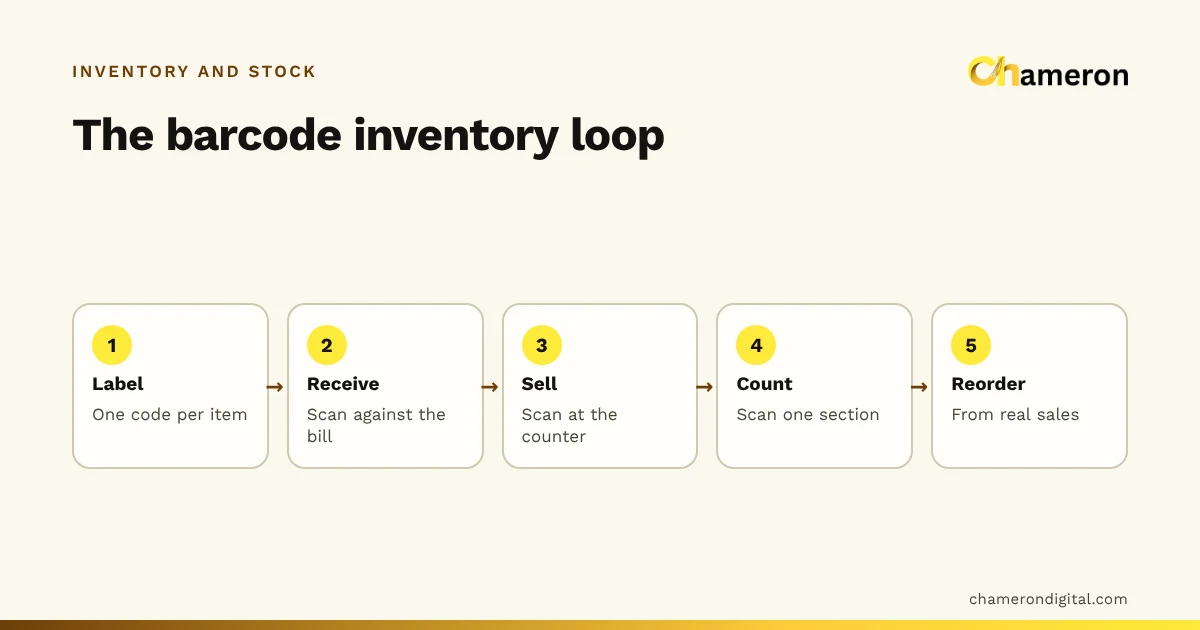
The barcode loop: where a scan matters
| Point | What is scanned | What it prevents |
|---|---|---|
| Labelling | A sample of newly printed labels | Labels that do not scan, or belong to another item |
| Receiving | Each item in a delivery | Wrong items or quantities added to stock |
| Selling | Each item at the counter | A similar item billed in place of the right one |
| Returns | The item, against the original bill | Returns put back as the wrong size or colour |
| Counting | Every unit in a shelf section | Miscounts, and counts written against the wrong line |
A shop that scans only at the counter gets faster billing. A shop that scans at every point in this table gets stock records it can trust, because each movement is tied to the exact item.
Choosing which codes to use
Most shops end up with a mix of three situations.
- Manufacturer barcodes. Most packed, branded goods already carry a 13-digit EAN-13 code. Keep it: there is nothing to print, and every unit carries the same code.
- In-store barcodes. Unbranded goods, local products, garments from small makers and items whose code is missing need a code you create. Software can generate in-store EAN-13 numbers, or use Code 128, which can hold letters as well as digits.
- No barcode at all. Loose items sold by weight, very small items and one-off pieces are often easier to pick from a quick-select list or a printed code sheet kept at the counter.
Whatever the source, one rule holds: one code, one sellable item. A blue shirt in medium and the same shirt in large need different codes, or the counter cannot tell them apart and stock by size becomes guesswork. Plan sizes and colours before printing; our guide to size and colour variants shows how.
Labels: what to print, and how many
A useful label carries three things: the barcode, a short readable name for when a scan fails, and clear blank space on either side of the bars so the scanner can find the edges. A price is optional. It helps customers, but every price change means relabelling.
| Label choice | Suits | Watch out for |
|---|---|---|
| Thermal roll, 50 × 25 mm or 38 × 25 mm | Garments, boxes and most shelf goods | Direct thermal labels fade with heat and sunlight |
| A4 label sheets | Small runs from an ordinary office printer | Alignment drifts; print one test sheet first |
| Hang tags | Clothing and accessories | Tags tear off; keep the code on an inner label too |
The help page on printing barcode labels covers printer settings.
Working out how many labels you need
Count before you buy. Take an invented footwear shop with 380 product lines that arrived without barcodes, an average of 9 boxes of each in stock, and a label on every box:
- Labels for current stock: 380 × 9 = 3,420
- Rolls of 1,000 labels: 3,420 ÷ 1,000 = 3.42, so 4 rolls
- Ongoing: if about 600 unlabelled boxes arrive each month, that is 600 labels, or a little over half a roll a month
Allow extra for test prints and for replacing damaged labels.
Scanners: matching the tool to the job
| Scanner | Good for | Limits |
|---|---|---|
| Wired USB handheld | A fixed billing counter | The cable limits reach; awkward for shelf counts |
| Wireless handheld | Heavy items at the counter, counting nearby shelves | Needs charging; works only within range of its base |
| 2D imager | Small, curved or glossy labels, codes on phone screens | Costs more than a basic scanner |
| Phone camera | Occasional counts, a second device | Slower than a dedicated scanner over a long count |
Most counter scanners behave like a keyboard: they type the number and press Enter into whichever field has the cursor. When a scan "does nothing", check where the cursor is before blaming the scanner. The hardware guide and the help page on using a barcode scanner have setup notes.
Before buying several scanners, test one with your own labels: the smallest label you print, a curved bottle, glossy packaging and a label from your own printer.
Receiving by scan
Receiving is where barcodes pay off most, because a delivery mistake feeds into every number that follows.
- Keep the supplier’s bill beside you and shelve nothing yet.
- Scan each item, or scan one unit of a sealed carton and enter the quantity.
- Compare scanned quantities with the bill, line by line.
- Put damaged units aside so they never enter saleable stock.
- Print and stick labels on anything that arrived without a usable code before it goes out to the floor.
An invented example: the bill lists 24 water bottles, 12 lunch boxes and 6 flasks.
| Item | On the bill | Scanned | Damaged | Added to saleable stock |
|---|---|---|---|---|
| Water bottle | 24 | 24 | 0 | 24 |
| Lunch box | 12 | 10 | 0 | 10 |
| Flask | 6 | 6 | 1 | 5 |
Two lunch boxes are short and one flask is dented. Both are raised with the supplier in writing the same day, not discovered at the month-end count.
Counting by scan
A scanned count is faster and more accurate than a written one because nobody has to find the item on a printed list. Count one section at a time:
- Pick a section, such as one shelf unit or one rack, and note the time.
- Scan every unit in it. For a stack of identical sealed boxes, scan one and key the quantity.
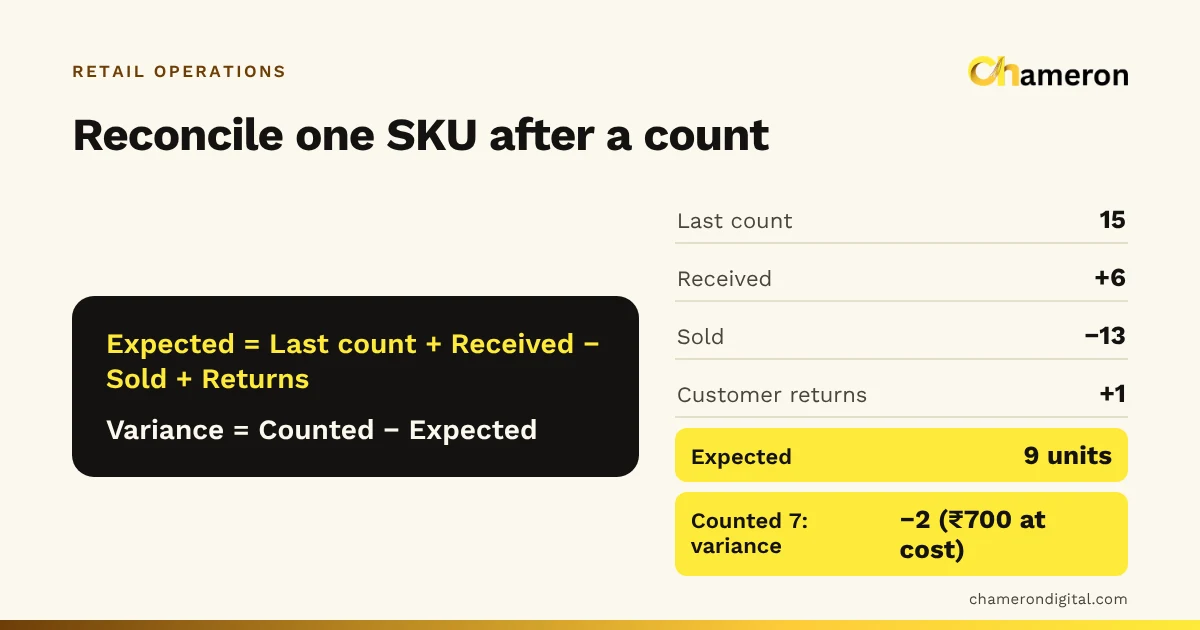
- Compare the scanned count with the system quantity for the same items.
- Recount any line with a difference before accepting it.
- Approve corrections with a reason: damage, receiving error, suspected theft or unknown.
Small sections counted often beat one huge annual count. Stock counts and reconciliation walks through the method, and the reasons you record become your measure of shrinkage.
Exceptions to plan for
- Unreadable label. Search by name or SKU, complete the sale, then reprint the label straight away.
- Item with no label. Do not bill it as "miscellaneous". Find the right product, and label the rest of that stock.
- Two products, one code. Usually a copied label or a supplier reusing a code. Fix the record before the next sale.
- Multipacks. A pack of six and a single unit can carry different codes. Decide whether you sell both, and point each code at the right item.
- Price changes. If prices are printed on labels, relabel the old stock as well.
Common mistakes
- Printing thousands of labels before testing ten on the actual products.
- Sticking codes on the shelf edge instead of the item, so the cashier scans whatever is nearest.
- Scanning at the counter but still adding deliveries by hand.
- Letting cashiers type a "similar item" when a scan fails, and never fixing the label.
- Using direct thermal labels on goods that sit in a sunny window for months.
Barcodes in software
Software matters at three points: creating codes for items that have none, printing labels in your size, and refusing duplicates. BILL OS, for example, keeps manufacturers’ codes or generates in-store EAN-13 codes, prints labels straight after receiving on 50 × 25 or 38 × 25 mm rolls or A4 sheets, and asks you to fix a code found on two products rather than guessing; see SKUs, barcodes and labels.
The bottom line
Barcodes do not manage stock by themselves; scanning at each movement does. Keep manufacturer codes where they exist, create codes for everything else, test labels and scanners on real products, and scan at receiving and counting as well as at the counter. Start with one section of the shop, get it right, then extend it to the rest.
Questions people ask
Do I need to register my barcodes?
Not for codes used only inside your own shop. If other retailers or online marketplaces will sell products you make or pack, they will usually ask for registered barcodes; check the requirements with GS1 India.
Can a phone be used as a barcode scanner?
With some software, yes, through the phone’s camera. It is practical for occasional counts or a second billing point, but a dedicated scanner is quicker for long counts and busy counters.
What label size should I use?
Large enough for the barcode to scan reliably and for a short readable name. 50 × 25 mm suits most garments and boxes; 38 × 25 mm suits smaller items. Print a test batch and scan it before ordering rolls in bulk.
Should the price be printed on the barcode label?
It is optional. A printed price helps customers, but every price change then means relabelling old stock, or the shelf and the bill will disagree. The barcode itself never holds the price; the software looks it up.
What should a cashier do if a scan brings up the wrong product?
Stop and check the label against the product. It is usually a copied label or two items sharing one code. Bill the correct item by searching, then fix the record and the label before the next sale.