The short answer
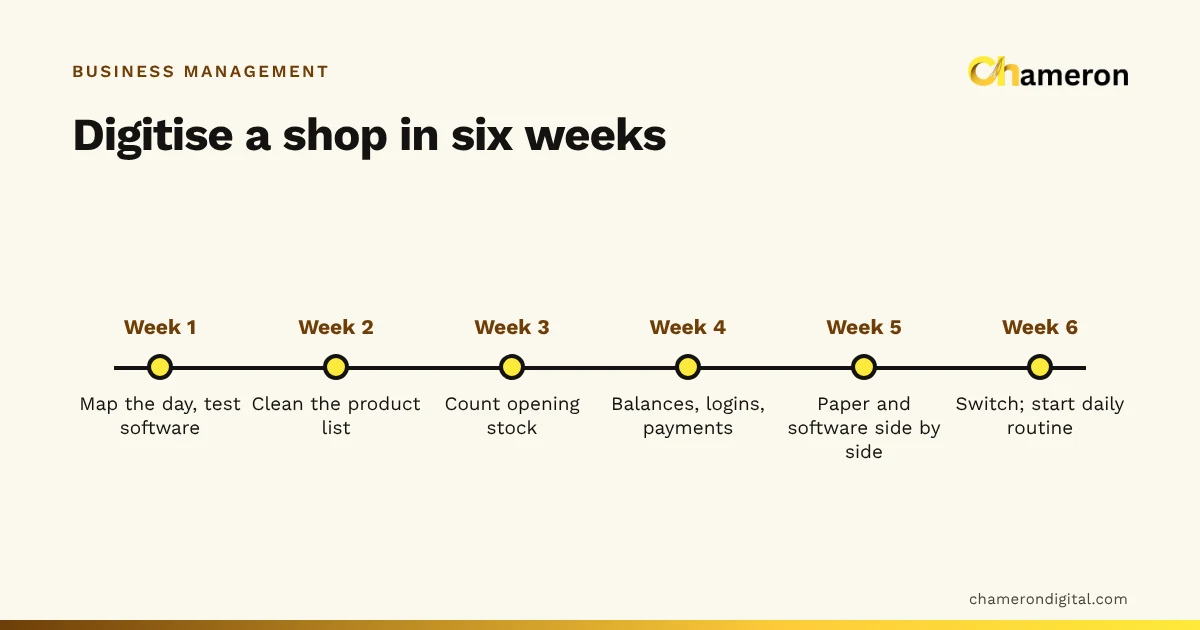
To digitise a small business, move its records into software one connected chain at a time, starting with the one everything else depends on. For most shops that is billing, because each sale changes stock, cash and customer balances. Before switching, clean the product list, count opening stock and enter what customers owe; then run paper and software side by side for a week and switch on a fixed date. A small shop can do this in about six weeks without closing the counter.
Before you start: map one ordinary day
Digitising goes wrong when software is bought first and the business is squeezed into it afterwards. Begin instead with a sheet of paper and one ordinary day.
Write down every event that creates or changes a record, and where it is written today. Here is the map for an invented stationery and gift shop with about 1,200 products, two counter staff and a credit notebook:
| Event | Happens | Written in today | Changes which records |
|---|---|---|---|
| Sale at the counter | 70–90 times a day | Bill book | Stock, cash or UPI, sometimes customer credit |
| Supplier delivery | 2–3 times a week | Purchase file, sometimes nowhere | Stock, supplier balance |
| Customer pays old dues | A few times a day | Credit notebook | Customer balance, cash |
| Shop expense (tea, courier, repairs) | Daily | Loose slips | Cash, expenses |
| Return or exchange | A few times a week | Back of the bill | Stock, cash, customer |
| Day close | Once a day | Cash diary | Cash |
The last column is the important one. It shows which records must live together. A sale touches stock, cash and customer credit, so those three should be in one system, or the shop will keep re-typing them.
The six-week plan at a glance
| Week | Focus | Done when |
|---|---|---|
| 1 | Map the day and choose software | You have tested it with 20 of your own products |
| 2 | Clean the product list | Every item has one name, a code, a price and a tax rate |
| 3 | Count opening stock | Each item has a counted quantity |
| 4 | Customers, suppliers, staff and payments | Opening balances entered; logins and roles set |
| 5 | Parallel run | Paper and software totals agree for several days running |
| 6 | Switch | The bill book goes in a drawer; the daily routine starts |
Six weeks is not a rule. A shop with 300 products may need three; a shop with 8,000 may need longer for weeks 2 and 3. The order matters more than the speed.
Step 1: Choose the first system to digitise
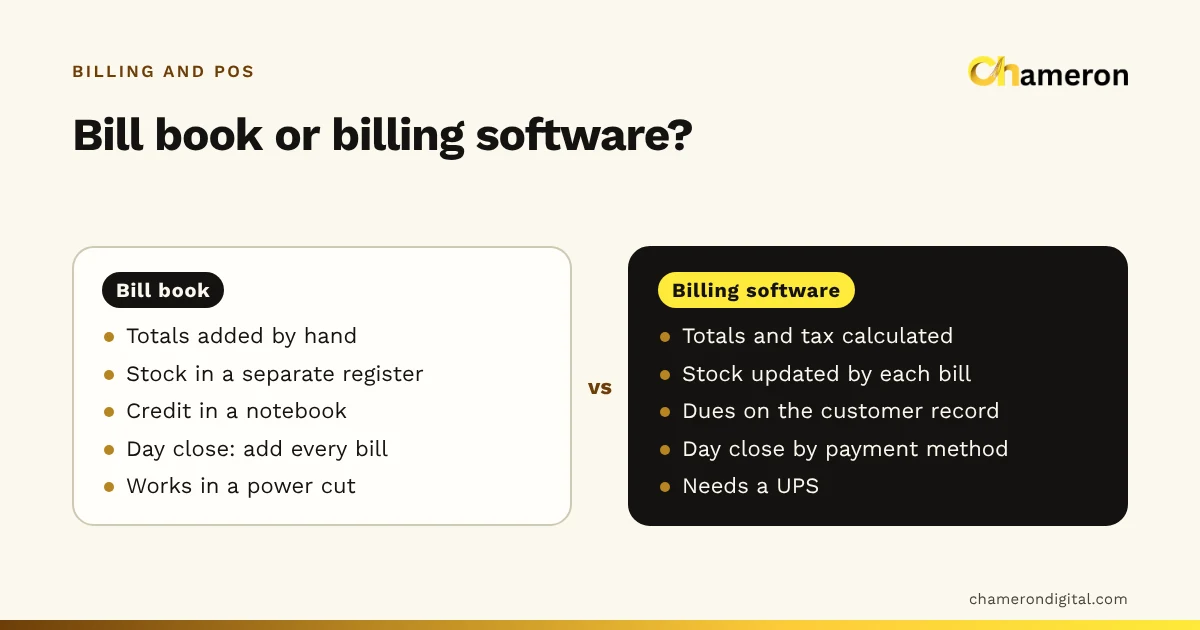
Pick software that handles the chain you mapped, built for your kind of business. For the stationery shop that means billing, stock, customer credit and supplier balances in one place. Our guide to what business management software is explains the main types, and the comparison of billing software and manual billing shows what changes at the counter.
Before deciding, test it the honest way: load twenty of your real products, including the awkward ones (an item sold singly and by the box, a gift item without a barcode), and bill a busy hour's worth of sales.
Step 2: Clean the product list
This is the step most businesses rush, and the one that decides whether the reports are any use later.
For each product, settle:
- One name, written the same way every time ("A4 Copier Paper 75 GSM 500 Sheets", not "A4 paper" on one shelf and "copier rim" on another).
- One code. Use the manufacturer's barcode where there is one. For items without one, give an in-house code; our SKU naming guide suggests a pattern.
- Selling price and purchase cost. Without cost, the software can report sales but not margin.
- GST rate and HSN code, where you are registered. Check rates with your accountant or the official GST portal rather than copying from an old bill.
- Unit. Piece, box, ream, metre. Decide how each item is sold before stock is counted in that unit.
Most shops already have half of this in a supplier price list or an old spreadsheet. The SKU planning worksheet gives you columns to fill. Software that imports from a spreadsheet saves days of typing; BILL OS, for example, imports products from Excel or CSV and checks every row before anything is saved, listing the rows with problems.
Step 3: Count opening stock
Software tracks stock by adding deliveries and subtracting sales from a starting figure. If the starting figure is wrong, every later figure is wrong by the same amount.
The stationery shop splits its 1,200 products into eight shelf sections and counts two sections an evening, with one person counting and one writing, using a stock count sheet. Four evenings later every item has a counted quantity. Sales made from a section after it has been counted are noted on a slip and subtracted on entry.
A few rules make the count reliable:
- Count in the same unit the product is sold in.
- Count damaged and expired items separately; they are not saleable stock.
- Recount anything that looks odd before entering it.
- Pick a cut-off moment, such as closing time on Sunday, and make every count true as of that moment.
Our guide to stock counts and reconciliation covers counting in more depth.
Step 4: Customers, suppliers, staff and payments
Customer credit
The credit notebook moves next. The stationery shop has 38 customers with open balances totalling ₹46,500. Each balance is checked against the notebook, agreed with the customer where possible, and entered as one opening balance on the switch date. After that, payments are recorded only in the software.
Supplier balances
Do the same for suppliers: what you owe each one on the switch date, from their latest statement. Mismatches are easier to settle now than in six months.
Staff logins and roles
Give each person their own login and the narrowest role that lets them do their job. A cashier needs to bill and take payments, not to change prices or delete bills. Shared logins make it impossible to tell later who did what.
Payments and the day close
Decide how each payment method is recorded. Cash goes into a drawer that opens with a known float and closes with a count. UPI and card payments are recorded by method so they can be matched with the bank statement. Billing software records how a bill was paid; it does not see the money arrive, so the cashier should confirm a UPI payment on the shop's phone or sound box before completing the bill.
Step 5: Run paper and software side by side
For about a week, write every bill on paper as usual and enter it in the software as well. Each night, compare the totals.
| Day | Bill book total | Software total | Difference | Reason |
|---|---|---|---|---|
| Monday | ₹18,640 | ₹18,640 | ₹0 | |
| Tuesday | ₹21,270 | ₹20,920 | ₹350 | One bill written on paper only during a rush |
| Wednesday | ₹16,980 | ₹16,980 | ₹0 |
Every difference has a cause, and finding it is the point of the week. Tuesday's missing bill showed that the second counter had been skipped during the evening rush, so the shop changed who billed at peak time. When the totals agree for several days running, you are ready.
The parallel run is also when staff learn. Mistakes cost nothing because the paper record still stands.
Step 6: Switch, then build the habits
Pick a switch date, ideally the start of a week or month, and announce it to staff. From that day the software is the only record. Keep a few blank bill pages for a power cut, and enter those bills as soon as the system is back.
Then set up three habits in the first month:
- A daily close. Count the cash, compare it with what the software expects, and look at the day's sales by payment method.
- A weekly look at stock. What is low, what has not sold, what needs reordering.
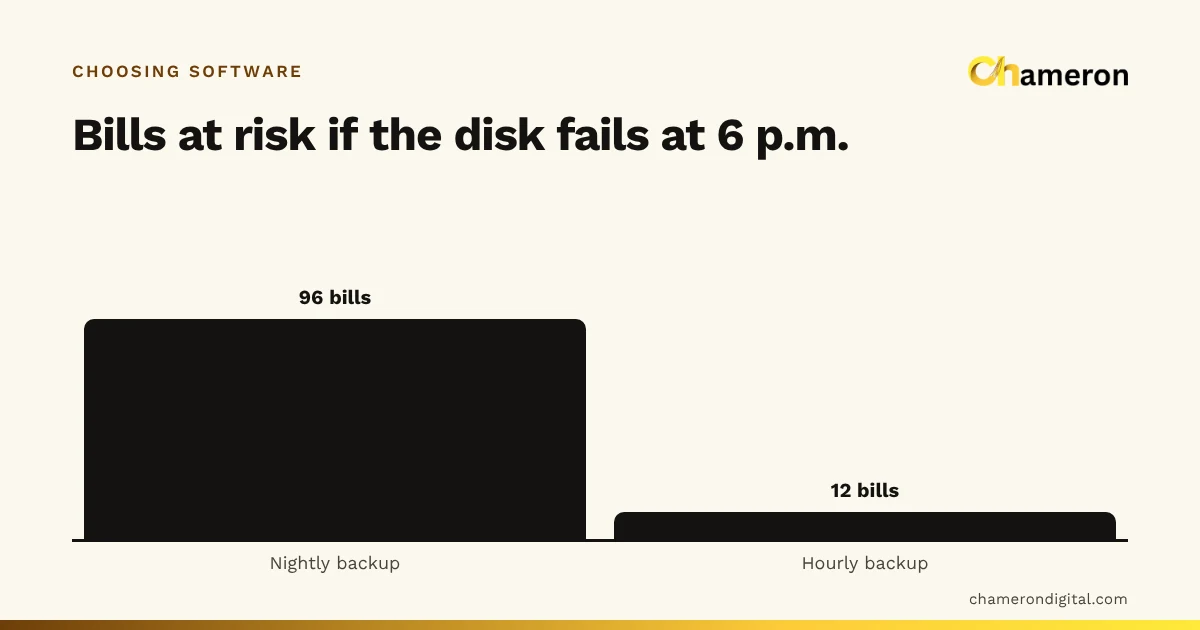
- Backups you have tested. Make sure backups run automatically, that a copy goes to a second drive, and that you have tried a restore once. The backup checklist for shops lists what to check.
Our guide to retail reports that matter suggests what to read daily, weekly and monthly once the records are flowing.
Common mistakes
- Starting with reports instead of records. Dashboards are only as good as the bills, deliveries and counts behind them.
- Importing a messy product list. Duplicates and inconsistent names split sales and stock across several entries.
- Skipping the opening count. Using "approximately what we have" as opening stock makes every later stock figure unreliable.
- Leaving deliveries on paper. If sales go into the software but deliveries do not, stock on screen drifts lower every week.
- One login for everyone. It saves five minutes at setup and removes all accountability afterwards.
- No switch date. Without one, staff keep both systems going indefinitely, and neither is complete.
The bottom line
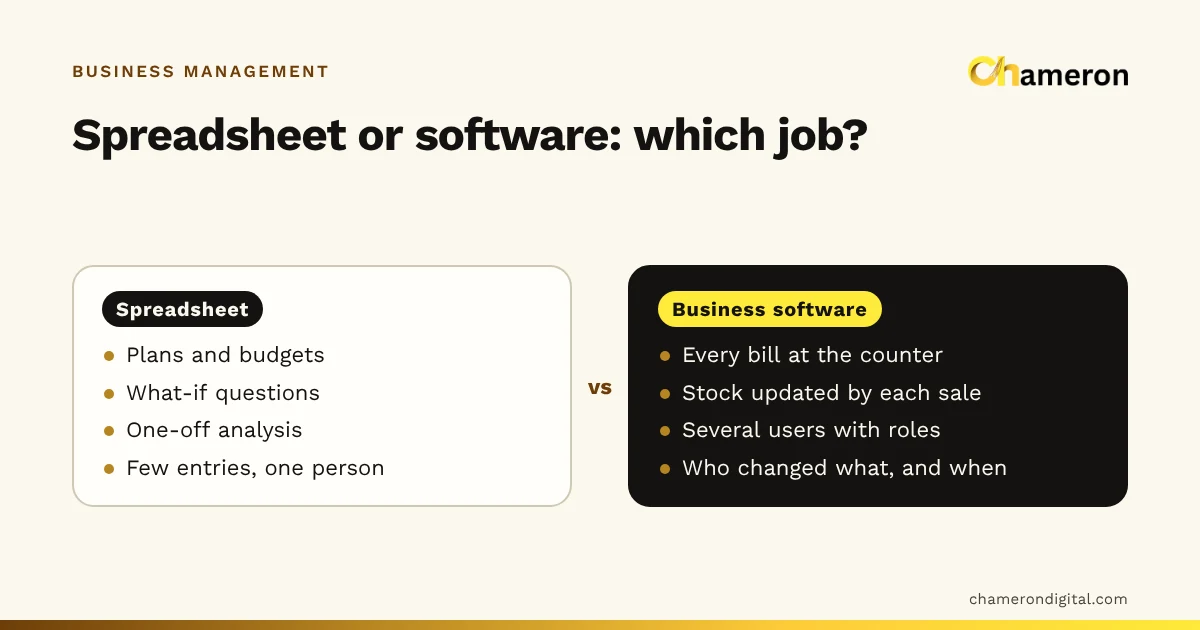
Digitising a small business is a sequence, not a purchase. Map the day, start with the chain every other record depends on, prepare clean data, count what you have, run both systems until they agree, and then switch decisively. Once the daily close, weekly stock check and tested backups become routine, the records start paying back the effort in fewer errors, faster closes and answers you can trust. If you still run the business on spreadsheets, see when to move from spreadsheets to software.
Questions people ask
Should I digitise everything at once?
No. Move one connected chain at a time, usually billing with stock first, then customer credit and supplier balances, then reports. Trying to change every habit in one week is how new systems get abandoned.
Do I have to close the shop to count opening stock?
Not usually. Count one section at a time outside busy hours, and note any sales from a section while it is being counted. A stock count sheet keeps the counting organised.
What if my staff are not comfortable with computers?
Choose software whose counter screen does one job simply, train on the five or six actions a cashier repeats all day, and keep the parallel-run week so nobody is learning under pressure. Most resistance fades once the day close gets easier.
Can I keep using my old bill book as a backup?
Keep a few blank pages for emergencies, such as a power cut, and enter those bills into the software as soon as you can. Running two full systems for months doubles the work and the totals will drift apart.
How do I move customer credit from my notebook?
Agree each regular customer's balance with them if you can, then enter one opening balance per customer on the switch date. Record later payments in the software only, so there is just one place to look.