The short answer
A business operating system is the software a business runs its daily work on. Instead of a billing app, a stock spreadsheet, a notebook of customer dues and a WhatsApp group for staff, it keeps the core records in one system: what was sold, what is in stock, who owes what, who did what, and how the day closed. The test of the term is simple: when one thing happens, such as a sale, does every record it touches update by itself?
The word “operating system” is borrowed from computers for a reason. A computer’s operating system is the layer everything else depends on. A business operating system aims to be that layer for a shop, a restaurant, a gym or a school.
How it differs from a set of single apps
A single app solves a single task well. A billing app prints bills. A stock app counts stock. The trouble starts between them: a sale is recorded in one place and has to be subtracted from stock in another, by hand, by someone who is already busy. Every hand-over is a chance for a typo, a missed entry or a day’s delay.
In a business operating system, one action updates everything it should. That is the real test: does one event update every record it touches, without anyone re-typing it?
One sale, traced through the records
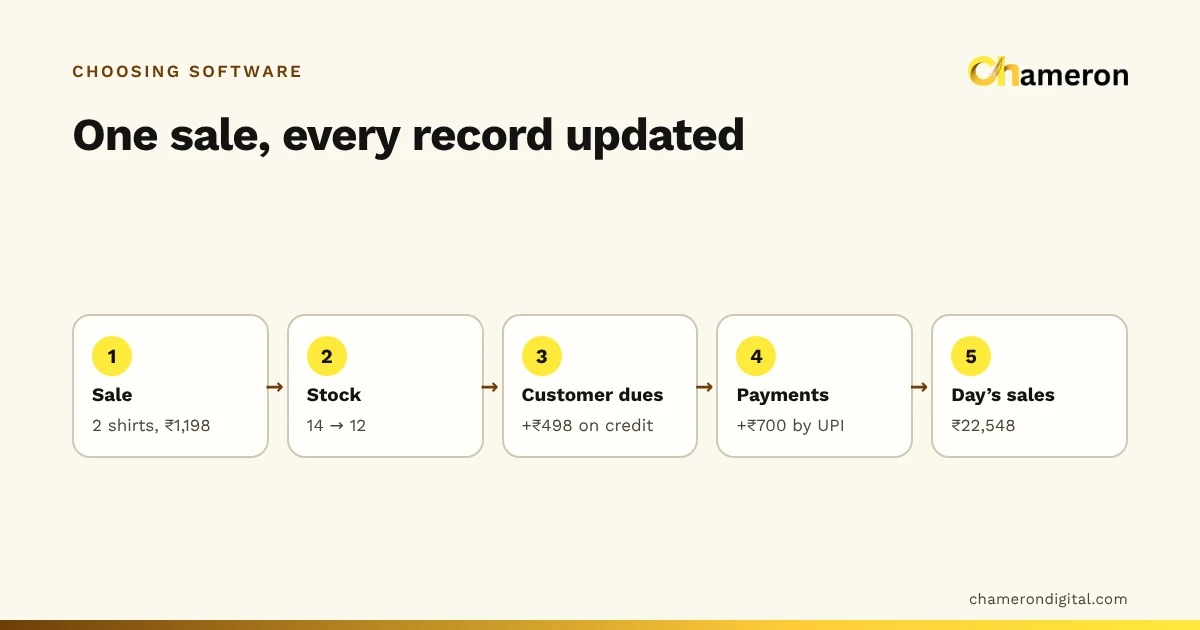
Here is a single sale in a clothing shop, with invented figures. A regular customer buys two shirts (blue, size M) at ₹599 each, a bill of ₹1,198. She pays ₹700 by UPI and leaves ₹498 on credit.
| Record | Before the sale | After the sale |
|---|---|---|
| Stock of the blue shirt, size M | 14 | 12 |
| Customer’s balance owed | ₹0 | ₹498 |
| UPI collected today | ₹8,400 | ₹9,100 |
| Sales today | ₹21,350 | ₹22,548 |
| Tax summary for the day | Without this bill | Includes this bill’s GST |
With separate apps, the cashier makes the bill, someone later reduces the stock in a spreadsheet, the ₹498 goes into the credit notebook (if it is remembered), and the totals are added up at night. In a business operating system, all five rows change the moment the bill is saved. If the customer returns one shirt next week, the reverse happens just as completely.
What it should cover, by kind of business
The core is the same everywhere: transactions, records, people and reports. What differs is the shape of the day.
- Retail shop. Billing at speed, stock by size and colour, barcodes, returns and exchanges, customer credit, tax reports and a reliable day close.
- Restaurant. One menu for every channel, orders that move from the counter to the kitchen and back, tables and takeaway in one list, roles for cashier, waiter and kitchen, and stock that follows recipes.
- Gym or fitness studio. Memberships and renewals, check-ins, trainer sessions, dues and reminders.
- School or coaching centre. Admissions, attendance, fees and receipts, exams and marks, timetables and reports for parents.
- Grocery store. Very fast counters, packed and loose items, frequent deliveries, expiry and a daily reorder list.
A system built for one of these will usually feel awkward in another. A restaurant does not need size-and-colour variants; a clothing shop does not need a kitchen screen. That is why it is worth asking a vendor which kind of business their software was actually designed around.
How it compares with similar terms
| Term | Usually means | Typical user |
|---|---|---|
| Billing app | Makes bills and receipts | Any business that sells |
| POS software | Fast sales at a counter, with payments and the cash drawer | Shops, restaurants, cafés |
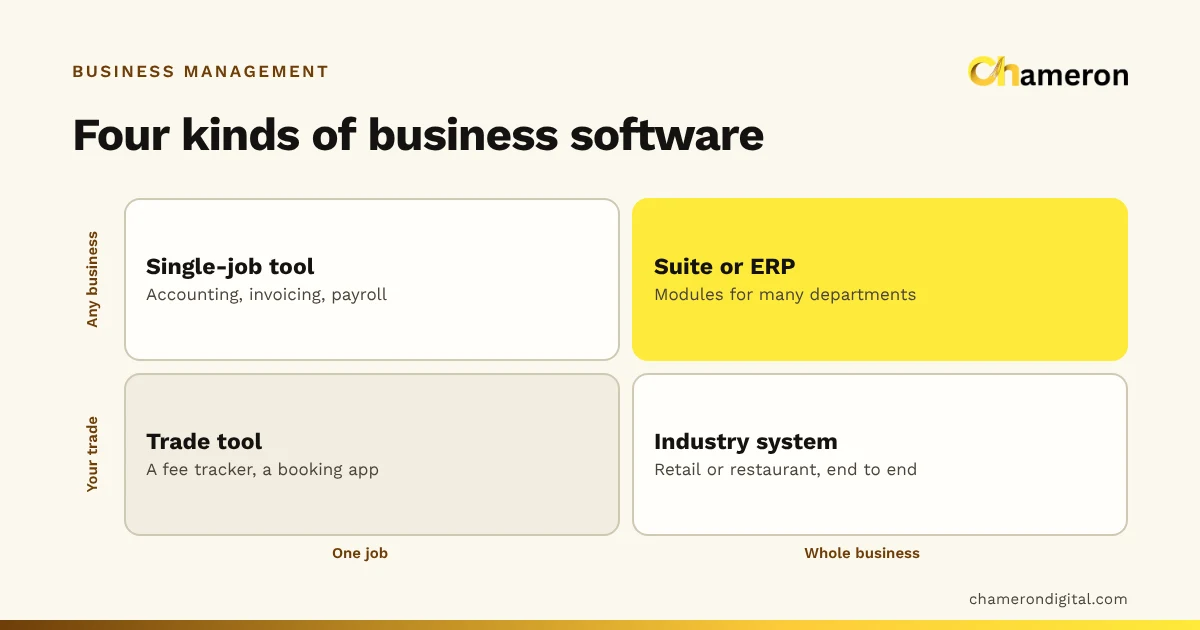
| Business management software | Software covering several areas of running a business | Small and medium businesses |
| Business operating system | The single system the core daily records live in, built around one kind of business | A shop, restaurant, gym or institute |
| ERP | Large, configurable suites for finance, production and supply | Manufacturers and larger companies |
The lines are blurry, and vendors use the words differently. Judge by what the software does with one real transaction, not by its label. For the counter-side terms, see what is POS software.
Where your data lives: your computer or the cloud
This is the most practical question to settle early, because it decides what happens on a bad day.
- Installed on your own computer. Work continues when the internet drops, and the records are physically with you. You are responsible for backups, so ask how they are made, checked and restored. Our backup checklist for shops lists what to put in place.
- Hosted in the cloud. You can see the business from anywhere and the vendor manages servers. When the connection fails, ask exactly which tasks still work.
Neither is always right. A shop on an unreliable connection and a chain with five branches will answer differently. What matters is that the vendor can describe the behaviour in specific, testable terms, not just say “works offline”. The offline vs cloud comparison goes through the trade-offs.
Signs you need one
- The stock count and the shelf rarely agree.
- Money owed to you lives in someone’s memory or a notebook.
- Closing the day takes more than a few minutes, or only the owner can do it.
- The same information is typed twice: once at the counter, again in a spreadsheet.
- You find out what happened today only after it is too late to act on it.
Signs you don’t, yet
A very small business with a handful of items, no credit and one person handling everything may be well served by a simple billing app and a disciplined notebook. Adding a full system too early costs time to set up and maintain. Buy for the work you can describe today, with room for realistic growth.
How to judge one
- Write down one real transaction from start to finish, including the awkward parts: a return, a split payment, a customer on credit.
- Ask the vendor to run that exact transaction in a demo, then show you every record it changed, as in the table above.
- Ask what works with no internet, and how backups are verified and restored.
- Check who can do sensitive things such as cancelling bills or changing prices, and whether those actions are recorded.
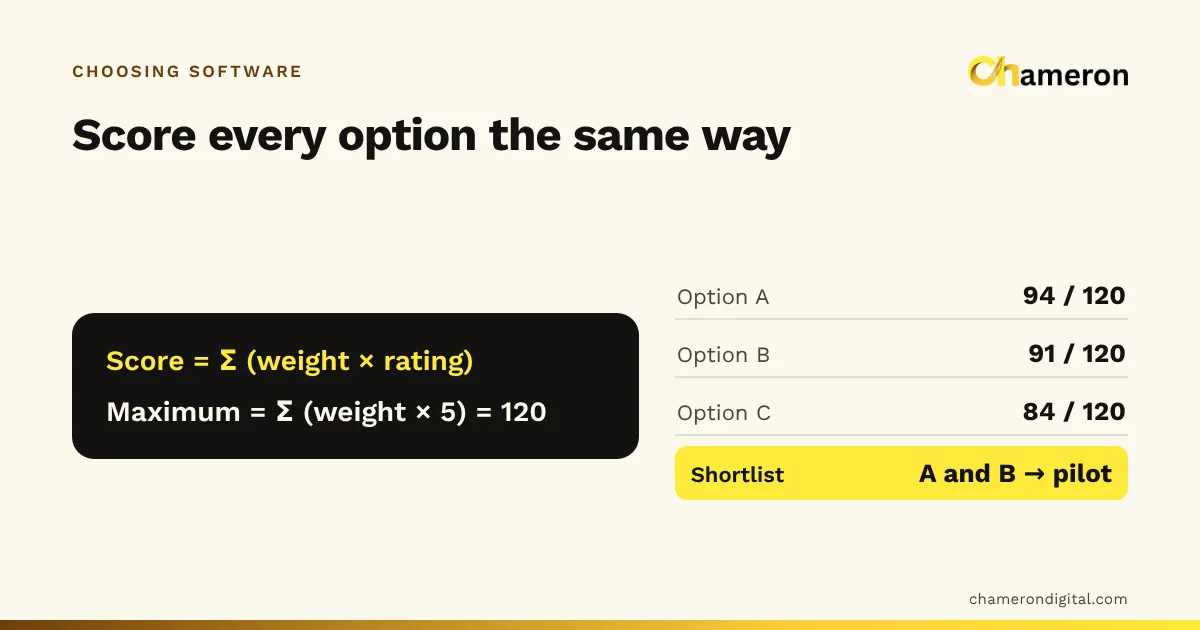
- Run a short pilot with your own products and staff before you switch.
Our guide to choosing business software and billing software checklist go into each of these in detail, and the software selection checklist gives you the questions in one sheet.
Common misunderstandings
- “One system means it does everything.” It means the core records live in one place. Specialist work, such as your accountant’s books, may still happen elsewhere, fed by clean exports.
- “More modules make it a better operating system.” Coverage of your actual day matters more than the number of modules.
- “Once it is installed, the work is done.” Records are only as good as what is entered. Staff habits, product data and regular stock counts still matter.
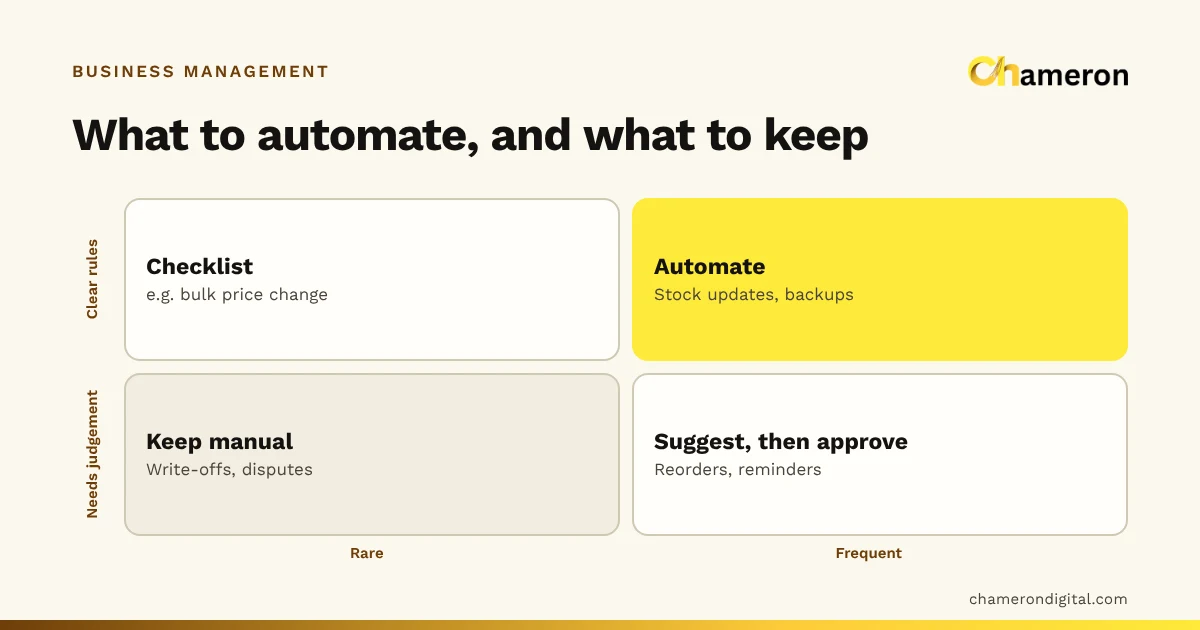
- “Automation replaces checking.” One entry updating many records removes copying, not judgement. See where automation helps and where it does not.
How Chameron Digital uses the term
We name our products BILL OS, DINE OS, GYM OS, EDU OS and GROCERY OS because each is meant to be the system one kind of business runs on, not a single feature. BILL OS for retail shops and DINE OS for restaurants and cafés are available now. GYM OS, EDU OS and GROCERY OS are for gyms, schools and coaching institutes, and grocery stores; they are not yet generally available, so ask about availability. The product comparison shows which is built for which kind of business.
The bottom line
A business operating system is less about a label and more about one behaviour: a single event, recorded once, updating every record it touches. If your stock, dues and day close live in different places and need re-typing, that behaviour is what you are missing. Check it with one real transaction, settle where your data should live, and buy for the work you can describe today.
Questions people ask
Is a business operating system the same as ERP?
They overlap. ERP usually describes large, configurable systems for manufacturers and big companies, with modules for finance, production and procurement. A business operating system, as the term is used here, is narrower and built around one kind of small business’s daily work, ready to use without months of configuration.
Is a business operating system the same as business management software?
Very nearly. Business management software is the broader category; a business operating system is the version that aims to be the single place the core records live. Our guide to business management software covers the category.
Can I build a business operating system from spreadsheets?
You can keep the same records in spreadsheets, but they will not update each other when a sale is made. Someone has to copy figures between sheets, which is the work a business operating system removes. See software vs spreadsheets.
Does a business operating system need the internet?
Not necessarily. Some are installed on a computer at the business and keep working without the internet; others run in the cloud. Ask exactly what works offline. Our offline vs cloud comparison explains the difference.